How to Stop Spam and Raid Attacks on Your Discord Server

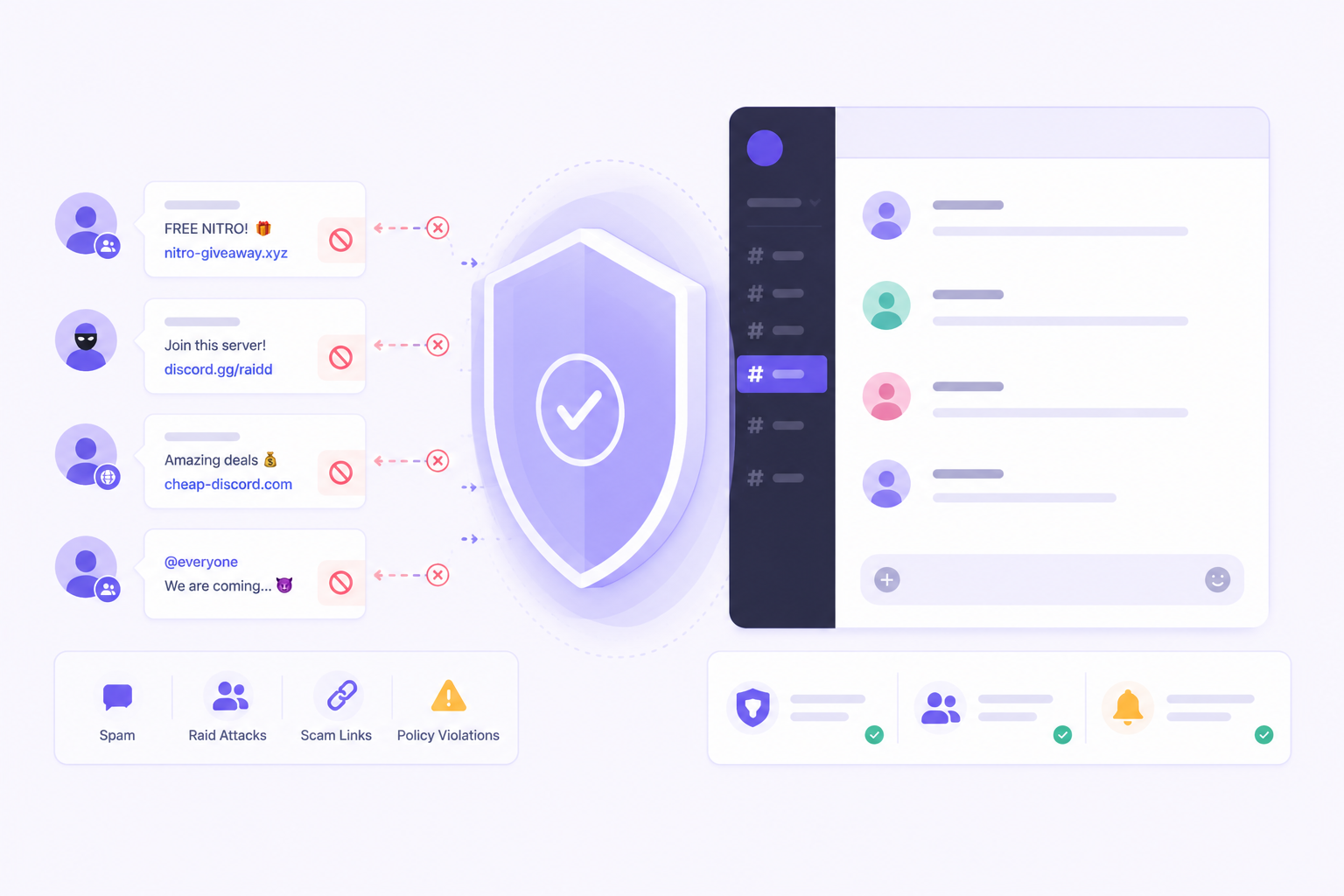
Spam and raids are two of the most disruptive threats any Discord server faces. Spam degrades the quality of your community gradually, cluttering channels and burying real conversations. Raids are sudden, coordinated attacks that can overwhelm your moderation team, fill channels with harmful content, and destabilize a server in minutes if you are not prepared.
Neither is inevitable. With the right settings and systems in place, you can significantly reduce the frequency and impact of both. This guide covers how to stop spam in a Discord server and walks through the discord raid protection settings that every community manager should have configured.

Stop raids and spam before they reach your community.
CommunityOne's AI auto-mod detects coordinated attacks, scam links, and spam that keyword filters miss — and acts on them automatically.
Understanding the Threat: Spam vs. Raids
Before configuring defenses, it helps to understand what you are defending against.
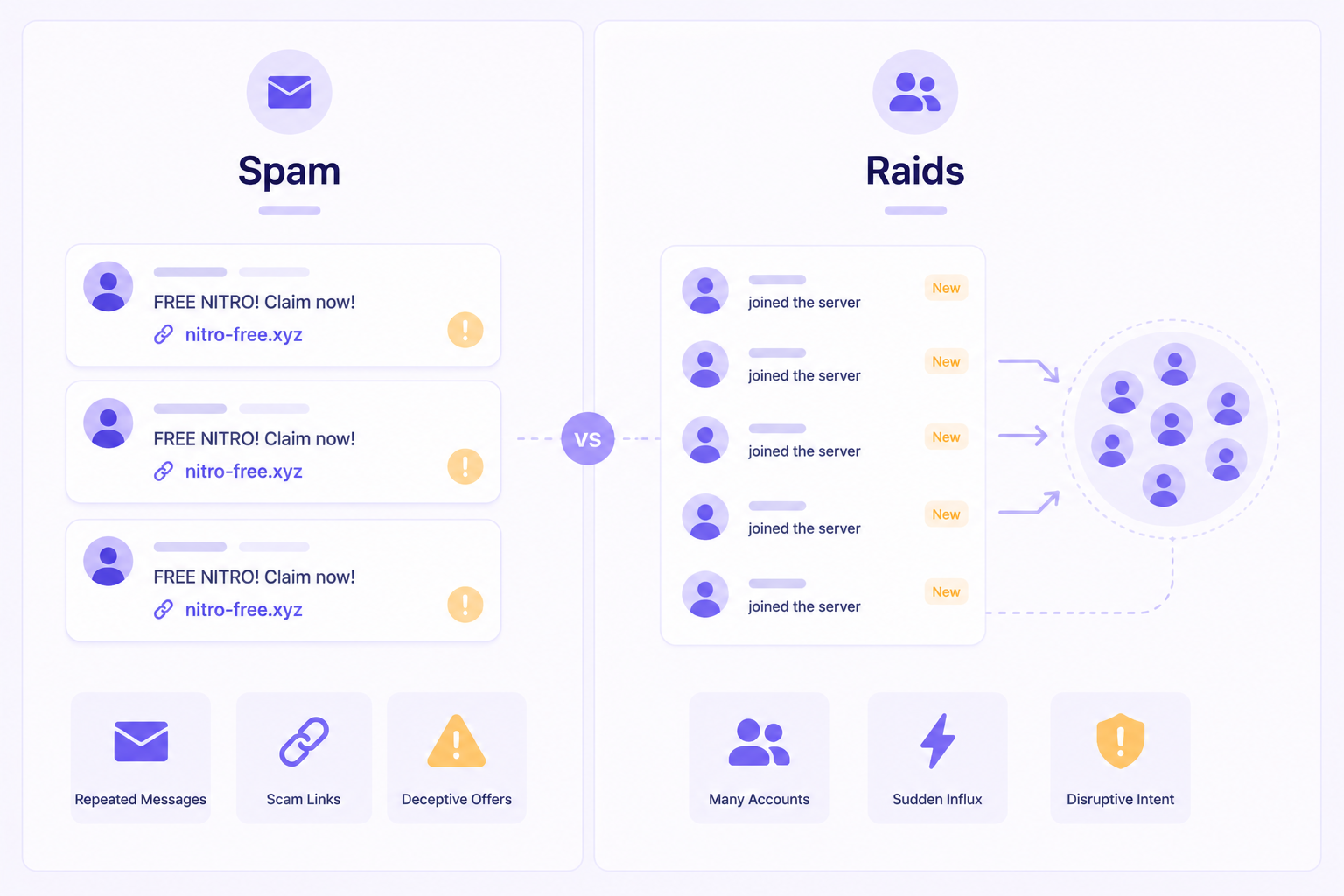
Spam typically comes in a few forms. Individual spam bots join servers and post unsolicited links, often promoting other Discord servers, crypto schemes, or malicious websites. Human spammers send repetitive messages to promote something or simply disrupt. Scam accounts DM members directly, often with "free" offers that are phishing attempts.
Raids are organized attacks where a group of accounts, sometimes coordinated through another server, joins your community simultaneously and floods channels with offensive content. Raid accounts are often freshly created, unverified, and purpose-built for disruption. Their goal is to overwhelm your moderation team, get the server reported, and cause as much damage as quickly as possible.
Both require different responses, but many of the protective settings that help with one also help with the other.
Discord Raid Protection Settings You Should Enable Now
1. Raise Your Verification Level
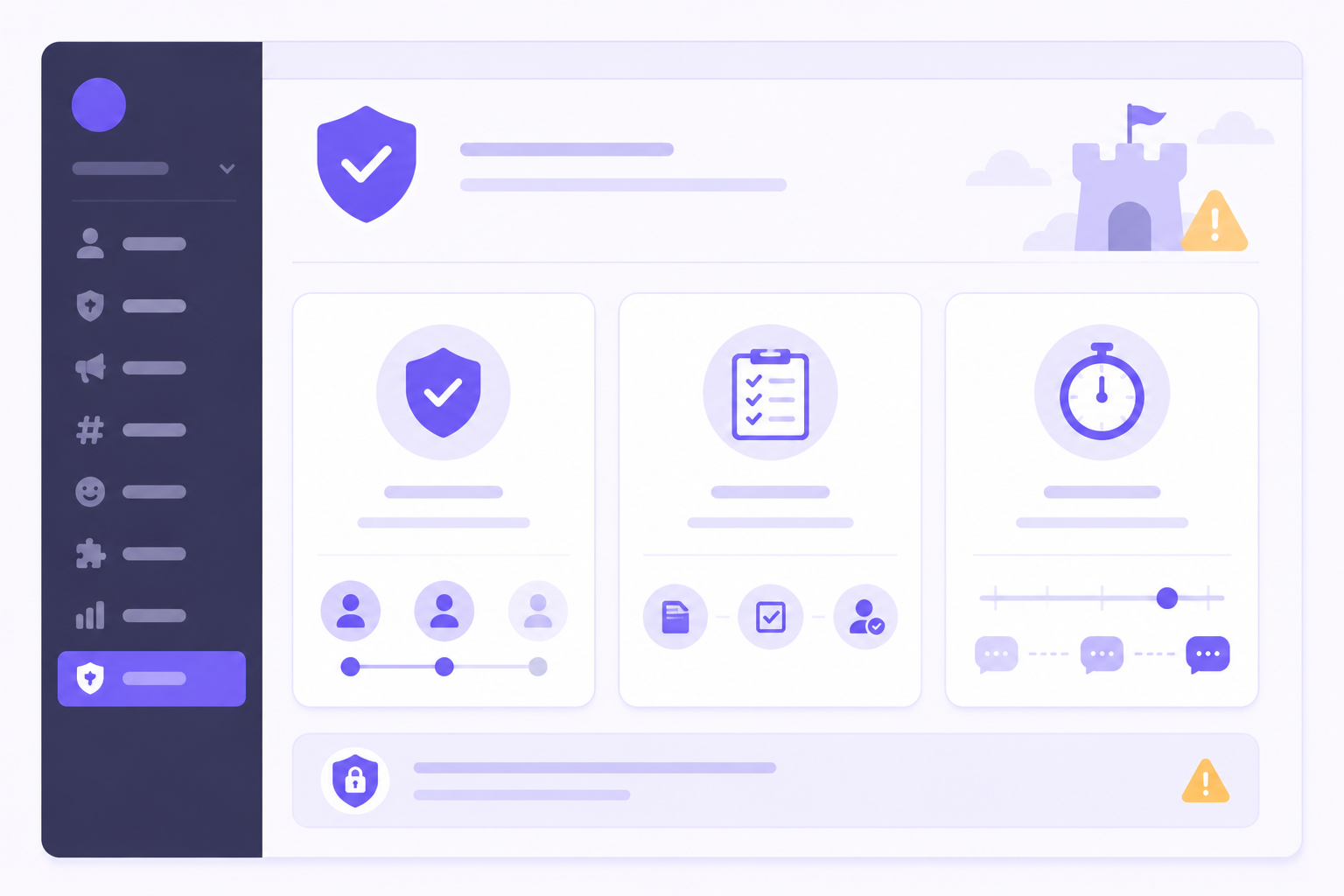
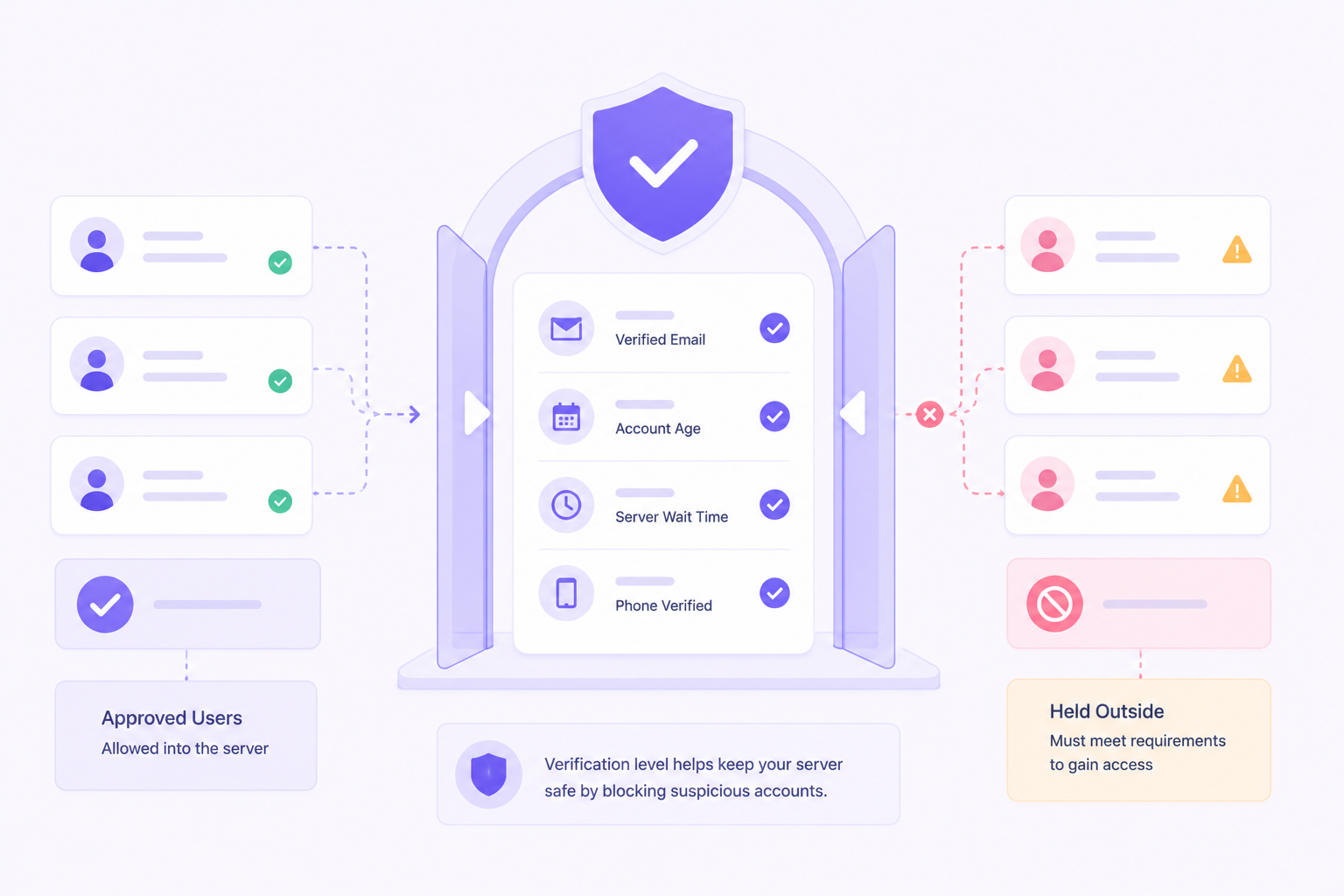
This is the single most effective raid prevention setting available natively in Discord. Navigate to Server Settings > Safety Setup > Verification Level.
The options are:
- None -- Any member can message immediately upon joining
- Low -- Members must have a verified email
- Medium -- Members must have had a verified email for at least five minutes and must have been a Discord member for at least five minutes
- High -- Members must also be in your server for at least 10 minutes before they can message
- Highest -- Members must have a verified phone number on their account
For most communities with any public visibility, Medium is the minimum reasonable setting. High or Highest is appropriate for servers that have experienced raids or operate in contexts where bad actors are a known risk. Be aware that Highest will create friction for legitimate new members, so weigh that against your risk level.
2. Enable Membership Screening
Membership screening requires new members to agree to your rules before they can interact with the server. This adds a step to the join process that filters out unsophisticated bots and makes raid accounts work harder to gain posting access.
Go to Server Settings > Community > Membership Screening to enable and configure it.
3. Configure New Member Slowdown
Even after joining, new members should not have unrestricted access to high-traffic channels. Set a role-based restriction that prevents newly joined members from posting in most channels until they have earned a basic role, either through time spent in the server, verification, or an explicit welcome action.
This dramatically reduces the blast radius of a raid. If new accounts cannot post in public channels, a raid becomes significantly less effective.
4. Enable NSFW Channel Restrictions
Raids frequently target servers with NSFW content flooding. Ensure that any NSFW channels are properly restricted to age-verified roles and that the default member role cannot access them.
5. Turn On Server-Wide Slowmode for High-Traffic Channels
Discord's slowmode setting limits how often an individual member can post in a channel. During a raid, setting slowmode to 5 or 10 seconds in targeted channels buys your moderation team critical time to respond. Consider setting slowmode as a preconfigured default in channels that are frequently targeted, rather than waiting until a raid is already underway.
How to Stop Spam Bots on Discord
Spam bots present a more persistent challenge than raids. They are designed to blend in long enough to deliver their payload, whether that is a link, a DM campaign, or a mass server invite.
Use AutoMod to block common spam patterns
Discord's AutoMod can be configured to catch many spam bot behaviors automatically. Key patterns to target:
- Messages containing discord.gg invite links posted by new members
- Messages that repeat the same content rapidly
- Messages containing known scam phrases ("DM me," "free nitro," "limited offer," "click here")
- Messages with excessive mentions
See our separate AutoMod guide for configuration specifics and regex examples.
Restrict DM permissions from new members
You cannot prevent members from receiving DMs from others in the same server by default, but you can educate your community to report suspicious DMs and configure bots that track DM complaint rates.
More importantly, restrict the ability of new or unverified accounts to interact in ways that make scam DM campaigns easier to execute, such as seeing full member lists or using @mentions freely.
Use a verification bot for new member onboarding
Several third-party bots offer captcha-style verification when members join. This step weeds out simple spam bots that cannot solve basic interactive challenges. Popular options include Wick, Captcha.bot, and Beemo, though you should evaluate these against your server's specific needs.
Monitor join velocity
A sudden spike in new members joining is one of the earliest signals of an incoming raid or bot campaign. Set up your moderation bot or logging system to alert your team when join rate exceeds a threshold, such as more than 10 members joining in a one-minute window. This alert gives you time to raise the verification level or enable additional protections before the situation escalates.
How to Stop Spam in a Discord Server: Active Response
Even with strong preventive settings, some spam will get through. Your response process matters as much as your prevention.
Have a lockdown procedure defined in advance. When a raid hits or spam escalates, your moderation team should know exactly what to do without having to make decisions under pressure. A documented lockdown procedure might include: enable slowmode on all public channels, raise the verification level, remove the default role's ability to send messages temporarily, and alert senior moderators.
Ban by pattern, not just individual accounts. Raid accounts and spam bots are rarely acting alone. When you identify one, look at recently joined accounts with similar naming patterns, profile pictures, join times, or behavioral patterns. Banning by pattern is faster and more effective than banning one account at a time.
Use the ban pruning tool after a raid. Discord allows you to delete messages from banned users going back up to seven days at the time of the ban. Use this to clean up raid content quickly. For raids involving many accounts, there are moderation bots that support bulk ban and purge workflows.
Communicate with your community during an incident. Members who see their channels suddenly flooded with offensive content and do not understand what is happening will leave or lose trust in your server. A brief message from a server admin in a stable channel, even just "We are aware of an ongoing raid and are handling it," goes a long way.
After the Incident: Review and Harden
Every spam campaign or raid is information. After you have handled the immediate situation, conduct a brief review.
- How did the attack get through your existing settings?
- What was the first point of entry or first visible sign?
- How long did it take your team to respond?
- What settings or procedures would have reduced the impact?
Update your settings and documentation based on what you learn. Communities that treat each incident as a learning opportunity become meaningfully harder to attack over time.
Enterprise Considerations
For enterprise-managed communities, the stakes of a successful raid or spam campaign are higher. Brand reputation, member trust, and regulatory considerations can all be affected by a serious incident.
Enterprise teams benefit from moderation tooling that provides real-time alerting, cross-server threat intelligence, and automated response capabilities that go beyond what Discord ships natively. CommunityOne Moderation was built specifically for this context, with features designed to give enterprise community teams the speed and visibility they need to respond before damage is done.
Summary: Your Spam and Raid Defense Checklist
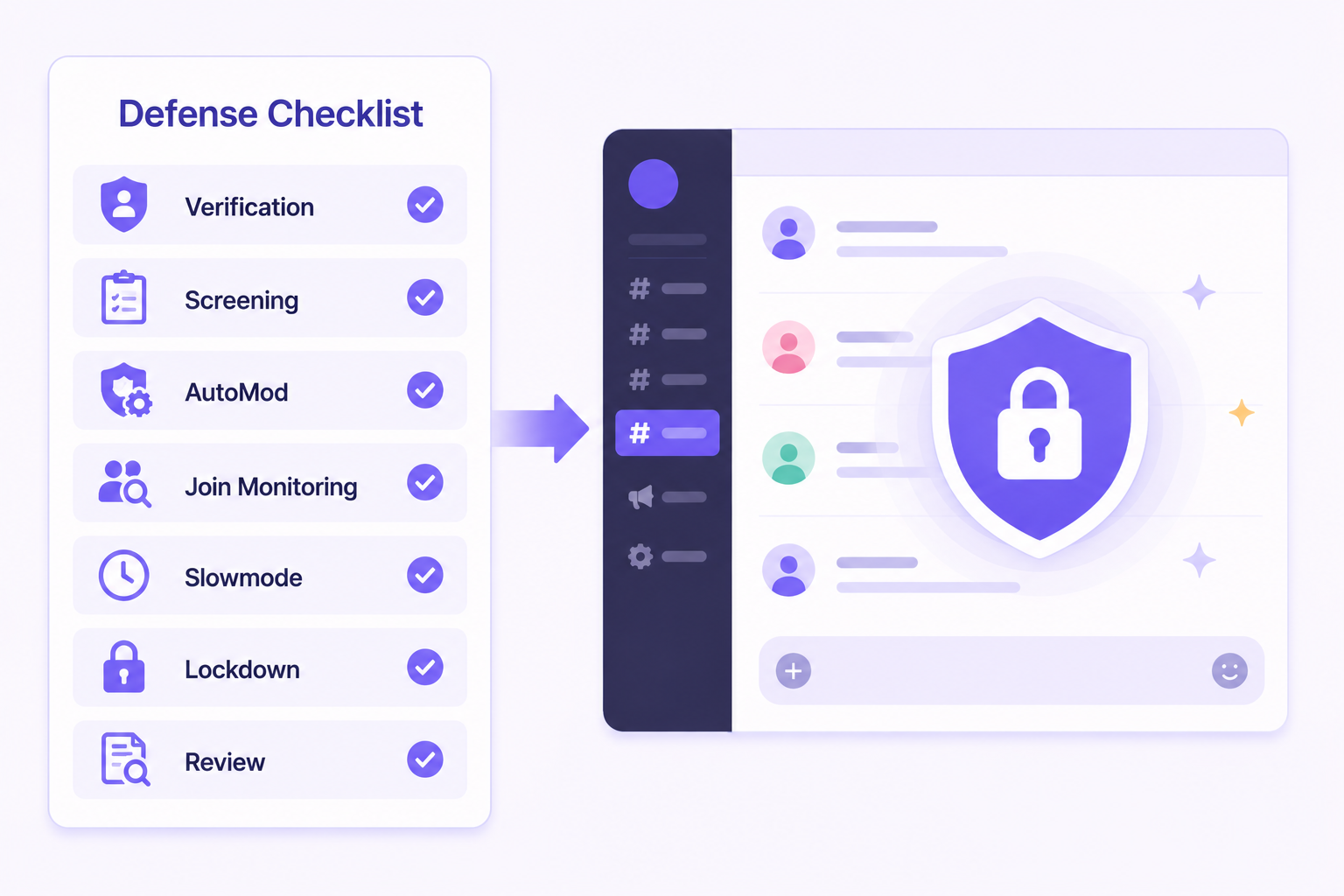
- Verification level set to Medium or higher
- Membership screening enabled
- New member channel restrictions in place
- AutoMod configured for spam patterns and known scam phrases
- Join velocity monitoring enabled via your moderation bot
- Slowmode configured as a default in high-traffic channels
- Lockdown procedure documented and shared with your moderation team
- Post-incident review process in place
Spam and raids are not going away. But a well-configured server with a prepared team handles them in minutes rather than hours, and recovers without lasting damage.
A safer server is easier to trust and grow.
CommunityOne's AI moderation bot protects your community 24/7 — so your team can focus on building, not firefighting.