Discord Webhooks: A Practical Guide to Connecting Your Server to Everything Else

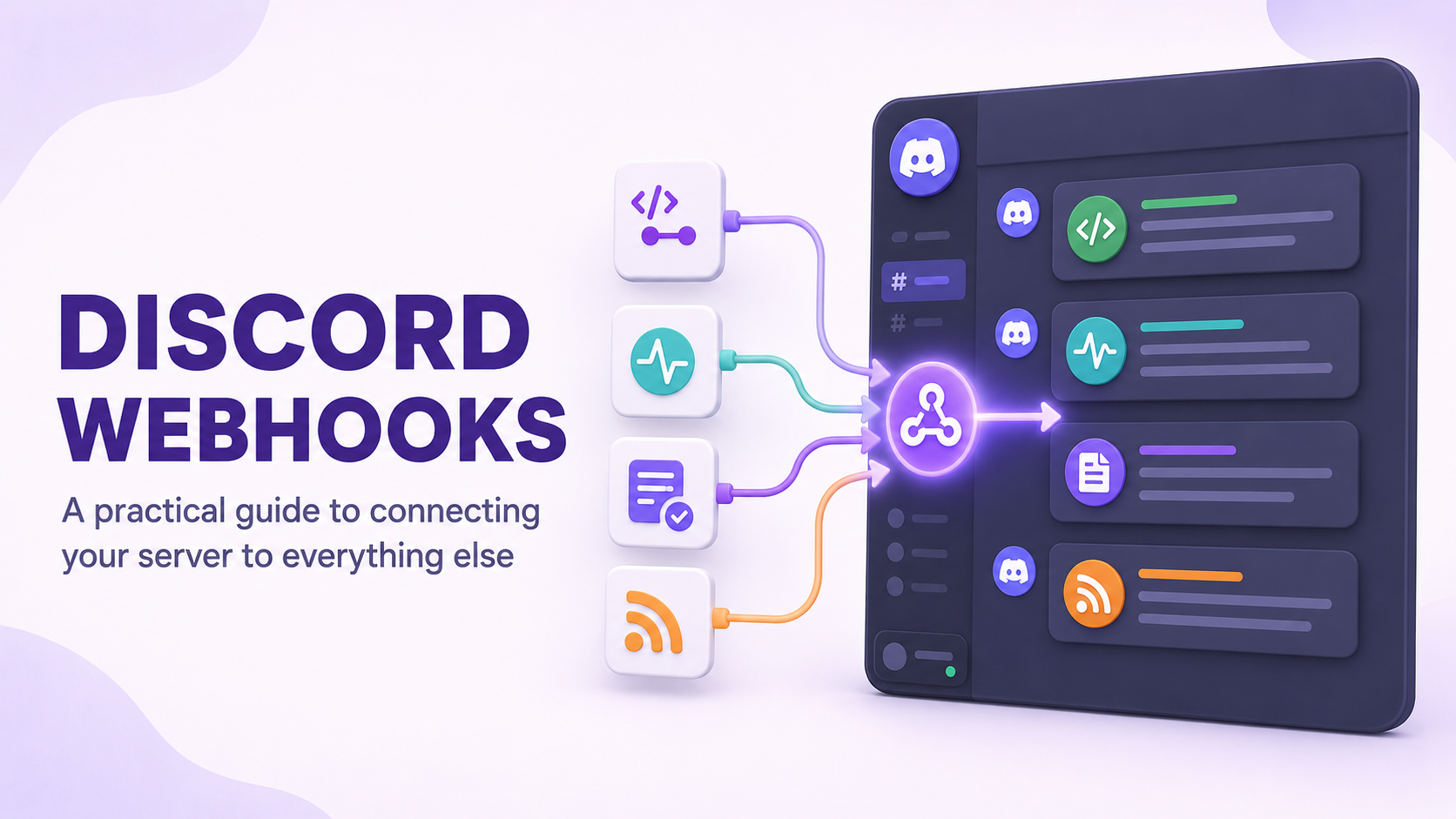
A webhook is the simplest way to get information into a Discord channel without building a bot. It's a single URL that anything capable of sending an HTTP request can post to, and whatever it sends shows up as a message in the channel that URL is tied to. GitHub commits, a status page going down, a new form submission, a scheduled report from a spreadsheet: all of it can land in Discord without you writing a line of bot code.
This guide covers how webhooks work, how to set one up, what to connect them to, and where they stop being the right tool so you know when it's time to build an actual bot instead.

You just learned to wire up a webhook by hand. CommunityOne's Twitter integration sends real-time alerts to your server automatically, and the YouTube integration auto-syncs your new videos, no webhook URL or third-party automation platform required.
Setting Up Your First Webhook
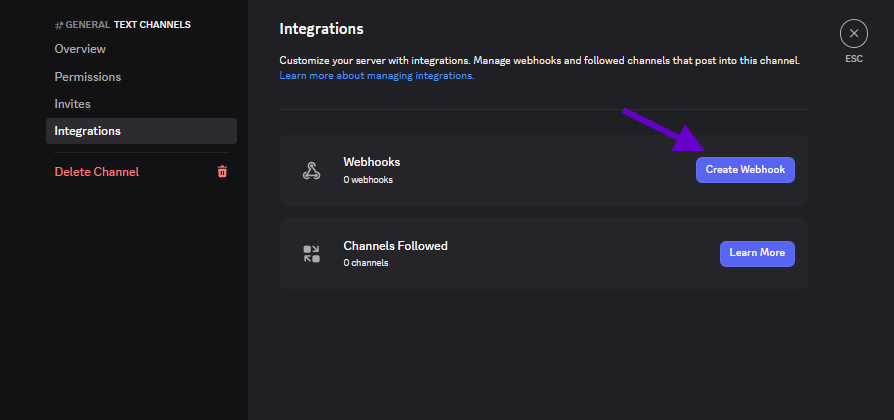
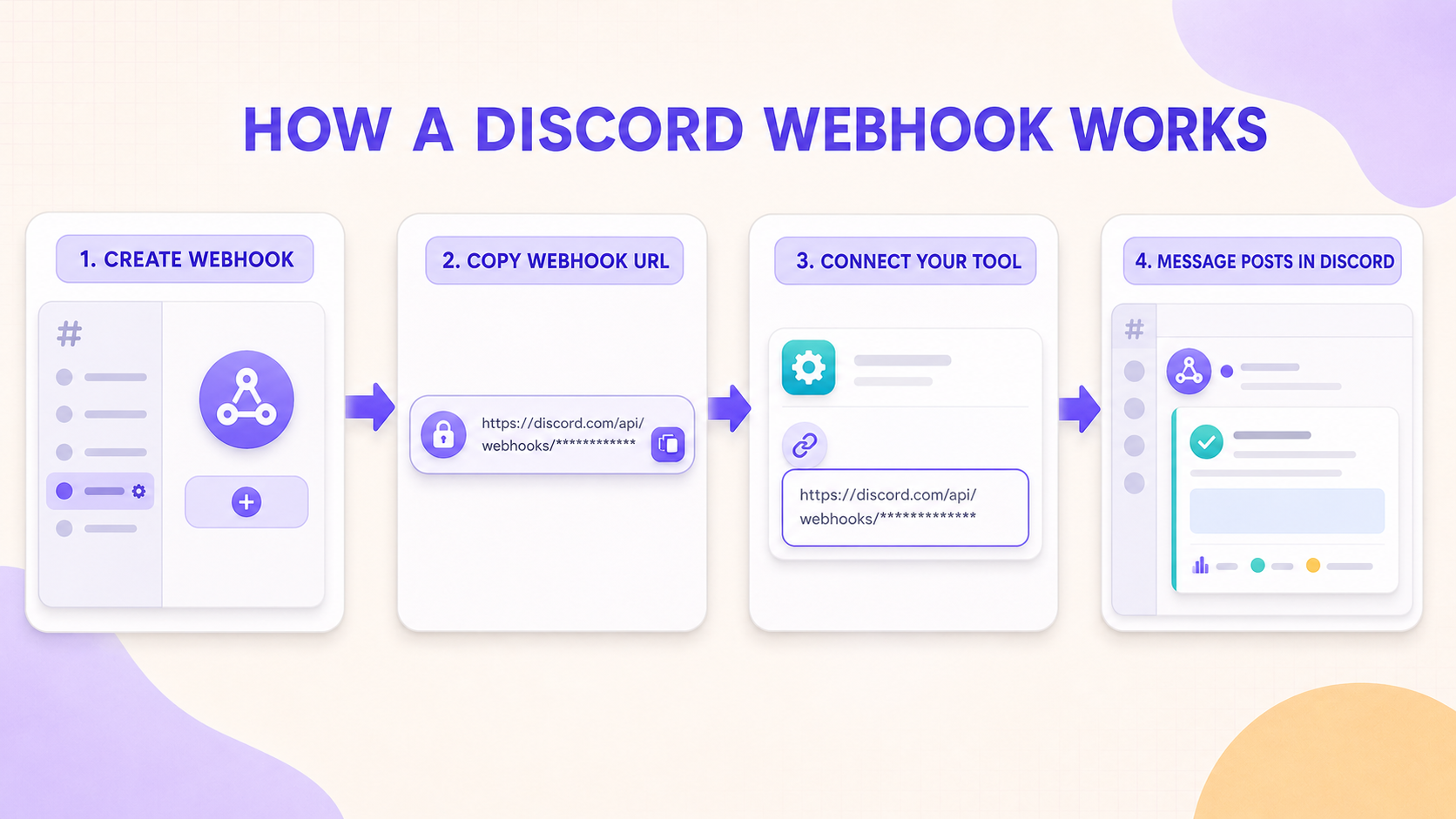
Open the settings for the channel you want messages to land in, go to Integrations, then Webhooks, and create a new one. You'll get a name, an optional avatar, and a webhook URL. That URL is the entire credential: anyone who has it can post messages to your channel as whatever name and avatar you gave it, so treat it like a password rather than something to paste into a public repo or a shared doc.
Most services with a webhook or integrations settings page will simply ask you to paste that URL in and handle the rest. GitHub, Trello, and dozens of other tools have Discord webhook support built in natively, so setup is often just pasting a URL into a field and picking which events should trigger a message.
What's Worth Connecting
Not every possible integration is worth setting up. The ones that consistently earn their place in a server are the ones that save someone from having to manually check something elsewhere. A few examples:
- A GitHub repo webhook posting commits and pull requests to a dev channel, so contributors don't need separate GitHub notifications
- An uptime monitor posting to a status channel when your website or bot goes down, catching outages faster than waiting for a member to report one
- A form tool like Google Forms or Typeform posting new submissions to a channel, useful for applications, feedback forms, or event signups
- An RSS-to-webhook service posting new blog or YouTube uploads automatically instead of a mod copying links in by hand
Making Webhook Messages Look Less Robotic
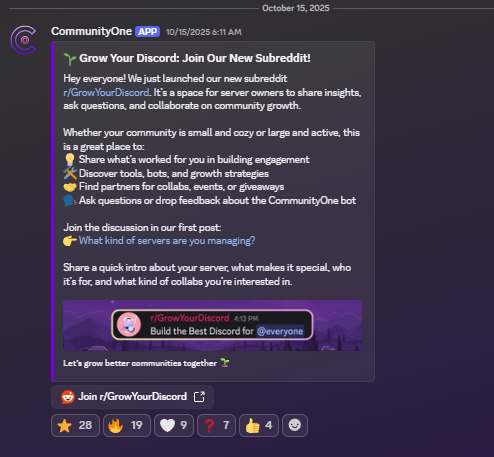
A default webhook message can look like a wall of raw text if the sending service doesn't format it. Most integrations let you customize the payload using Discord embeds, which support a title, description, color bar, and fields, and render as a clean card instead of plain text. If a service gives you the option, sending as an embed rather than plain content is almost always worth the extra setup step, since it separates automated messages visually from normal chat.
It's also worth giving each webhook a distinct name and avatar related to what it does, like naming the GitHub webhook "GitHub" with the GitHub logo, so members can tell at a glance what triggered a given message without reading it first.
Where Webhooks Stop Being Enough
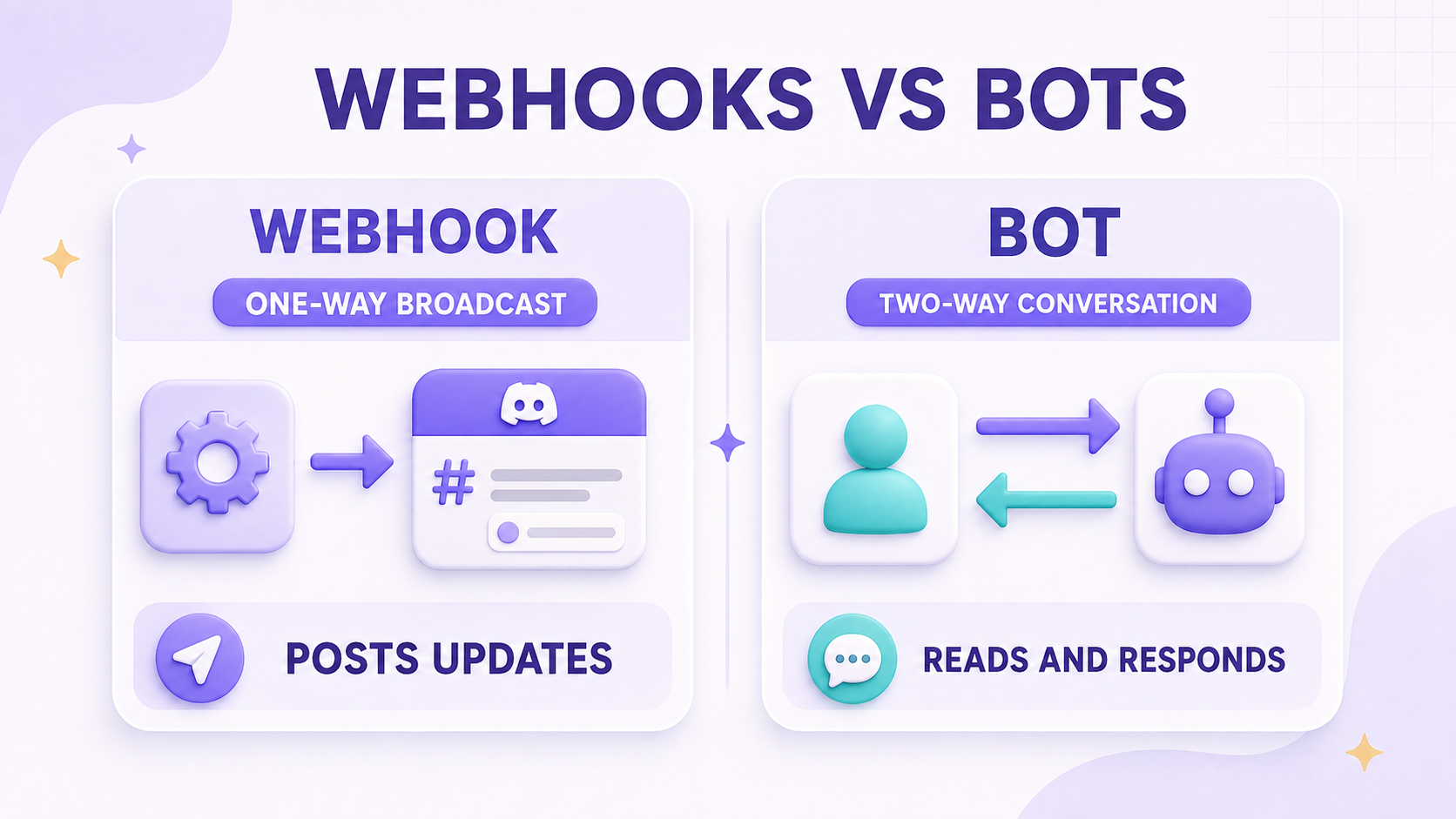
Webhooks are one-directional. They can post into Discord, but they can't read messages, respond to commands, react to reactions, or do anything that requires listening to what happens in the server. The moment you want a feature like a command a member types, an automatic response based on message content, or an action triggered by someone reacting to a message, you've outgrown what a webhook can do and need an actual bot with a bot token and a running process behind it.
A useful way to think about it: webhooks are a one-way broadcast, bots are a two-way conversation. If you find yourself wanting the server to talk back, that's your signal to move on.
Final Thoughts
Webhooks are the highest return-on-effort integration available to a Discord server. A few minutes of setup gets you automated updates that would otherwise require a bot, a hosting bill, and ongoing maintenance. Start with whatever manual check is eating the most time in your server right now, whether that's watching a GitHub repo or refreshing a status page, and connect that first.