Free Meme Emojis for Discord: Where to Find Funny Emoji Packs

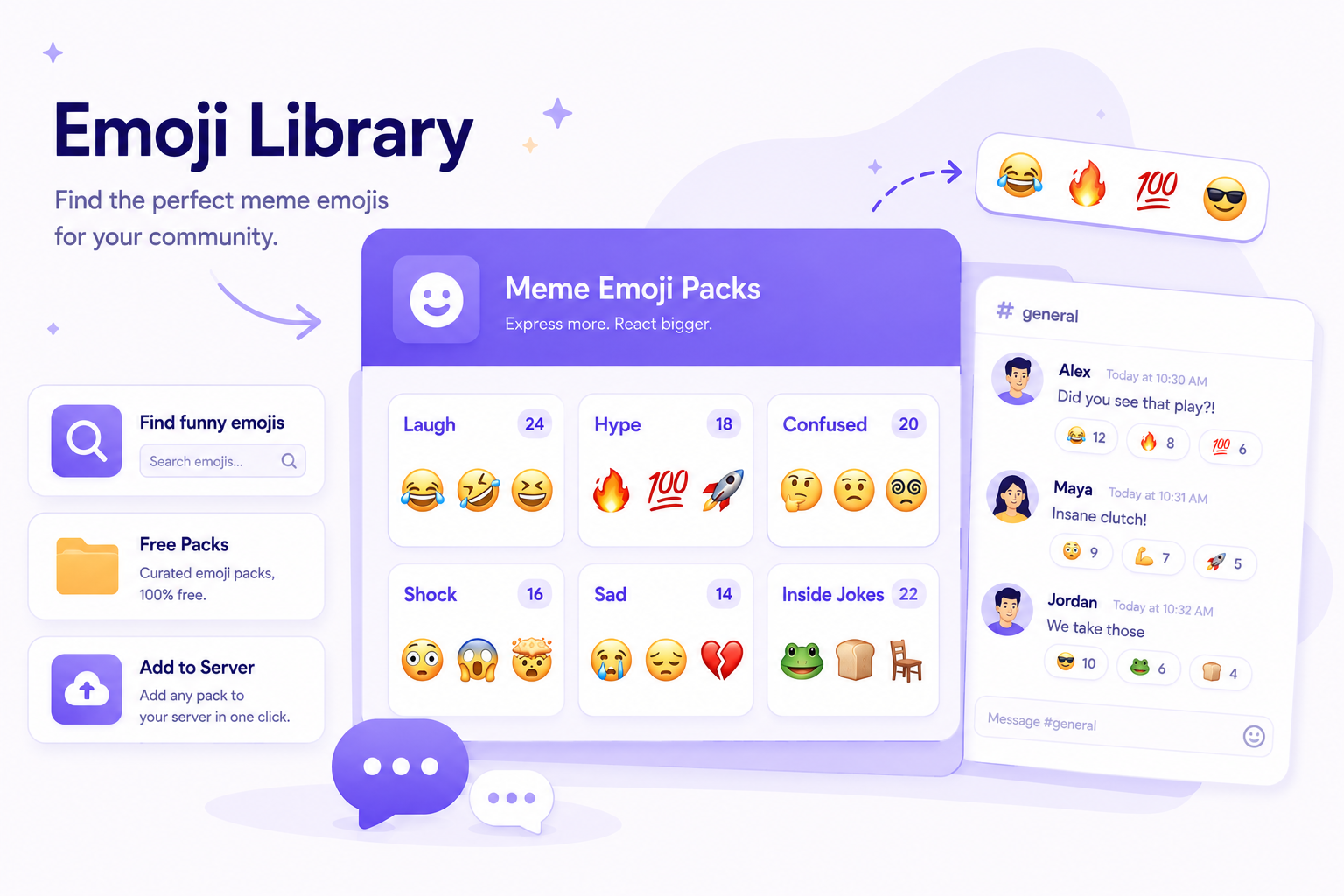
Free meme emojis for Discord can make a server feel more active, expressive, and connected. A simple reaction can turn into an inside joke, a running bit, or a quick way for members to respond without typing a full message.
The key is not just adding random funny emojis. The best meme emojis fit your community’s humor, tone, and chat habits. If you need inspiration, CommunityOne’s guide to Funny Meme Emojis for Discord is a good place to start.

Find the right emojis for your server’s chat culture.
Browse CommunityOne’s Discord Emoji Library to discover funny meme emojis, reaction emotes, animated GIFs, anime reactions, and more. Select your favorites, download them in bulk, and upload them to your Discord server.
Where can you find free meme emojis for Discord?
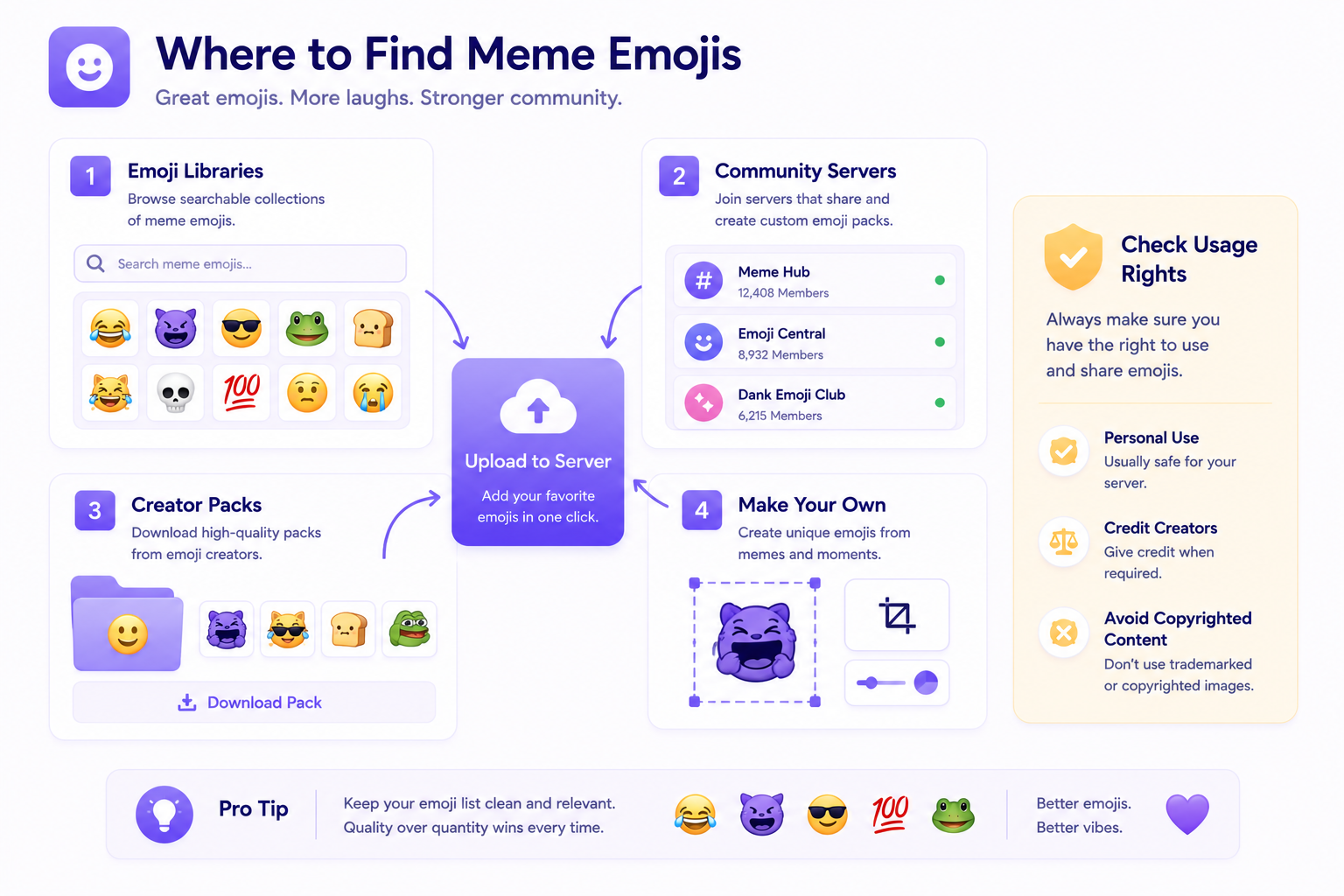
You can find meme emojis from public emoji libraries, community servers, creator packs, or by making your own from images your community already uses.
If you want to upload and manage them properly, read CommunityOne’s guide on How to Add & Manage Custom Discord Emojis. It explains how custom emojis work, why they matter, and how to use them effectively in a server.
What makes a good meme emoji?
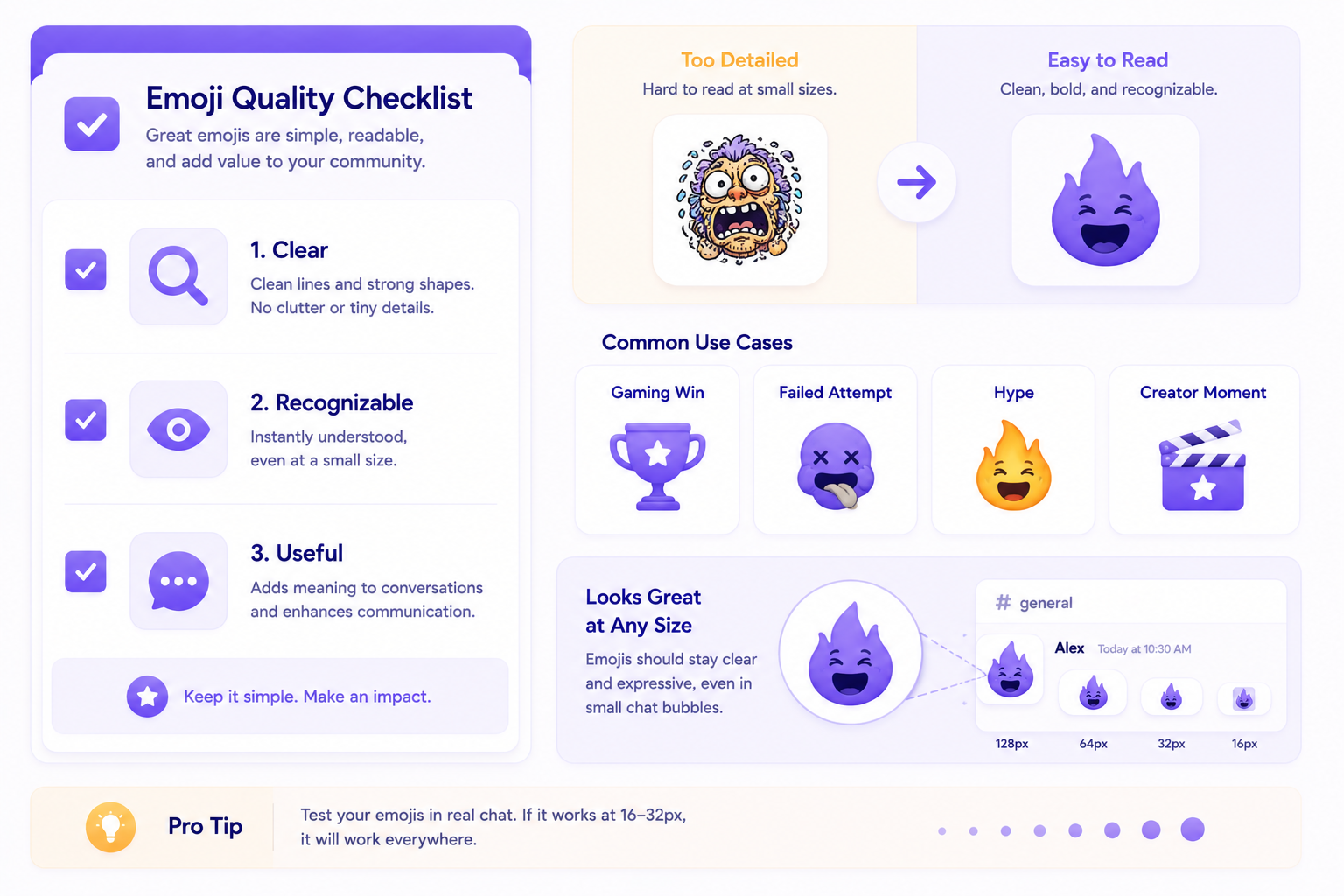
A good meme emoji should be easy to understand even when it appears small in chat. It should also match how your members already communicate.
For example, a gaming server might use reaction emojis for clutch plays, failed attempts, rage moments, or team wins. A creator community might use meme emojis based on recurring jokes, stream moments, or fan reactions.
The best meme emojis usually have three traits: they are clear, recognizable, and actually useful in conversation.
Static vs animated meme emojis
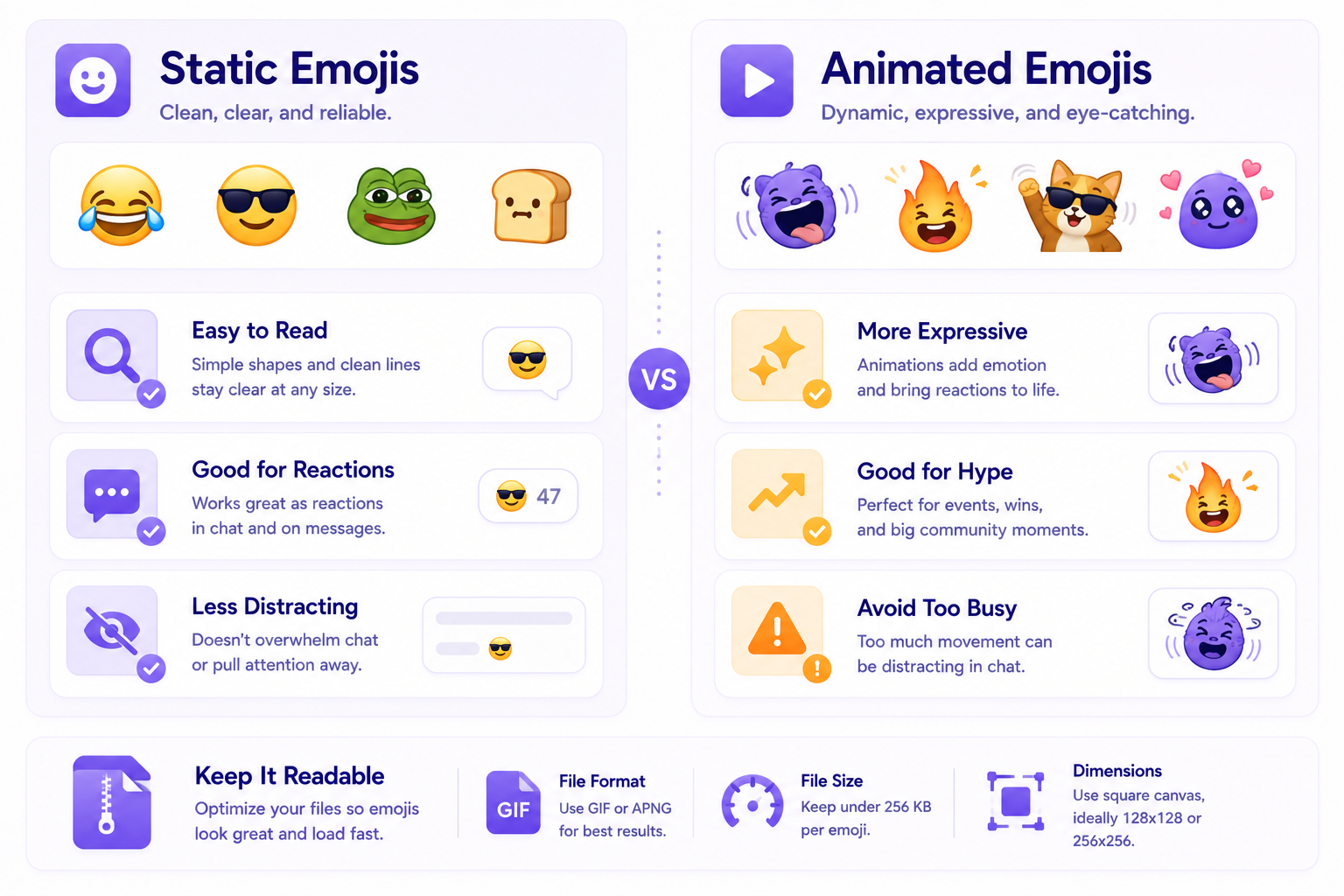
Static meme emojis are easier to read and usually work well for reactions. Animated meme emojis can be more expressive, but they should not be too busy or distracting.
If you plan to use GIF emojis, check CommunityOne’s guide on Discord GIF Emoji Size so your animated emojis stay optimized and readable.
How to add meme emojis to your Discord server
Once you have your emoji files ready, you can upload them through your Discord server settings. Before uploading, make sure the emoji is cropped clearly, easy to understand, and not too detailed.
For a full walkthrough, use CommunityOne’s guide on How to Create Custom Discord Emojis for Your Server. It covers file specs, animated emoji rules, and basic upload guidance.
Do not overload your emoji list
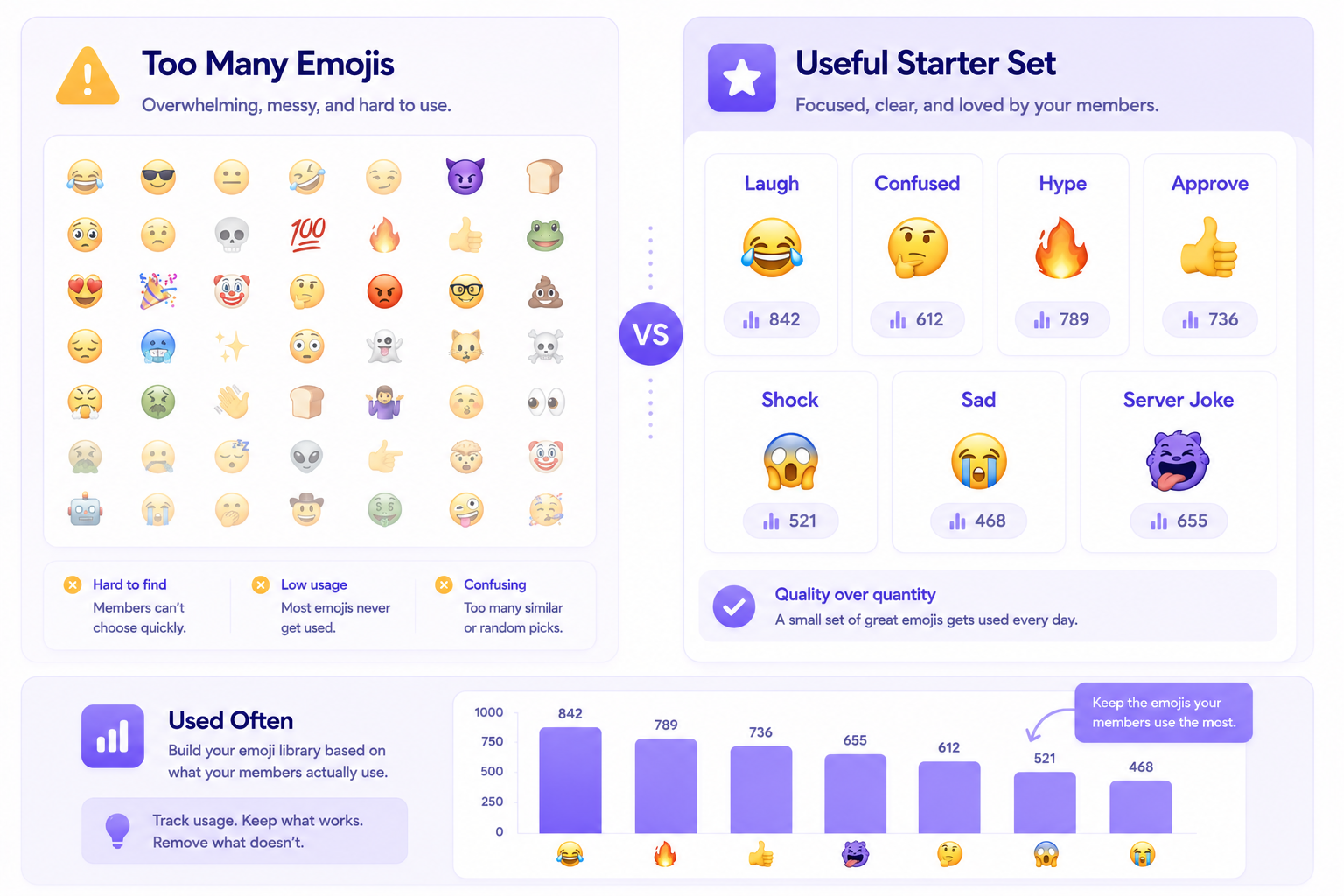
Adding too many meme emojis can make your emoji list harder to use. Start with a small set of strong options, then add more based on what members actually use.
A good starting set might include emojis for laughter, confusion, hype, approval, shock, sadness, and server-specific jokes.
If your goal is to make your community feel more polished, emojis should also match the rest of your server identity. CommunityOne’s guide on How to Customize Your Discord Server Like a Pro can help you think beyond emojis and improve the overall server experience.
Explore more Discord meme emojis
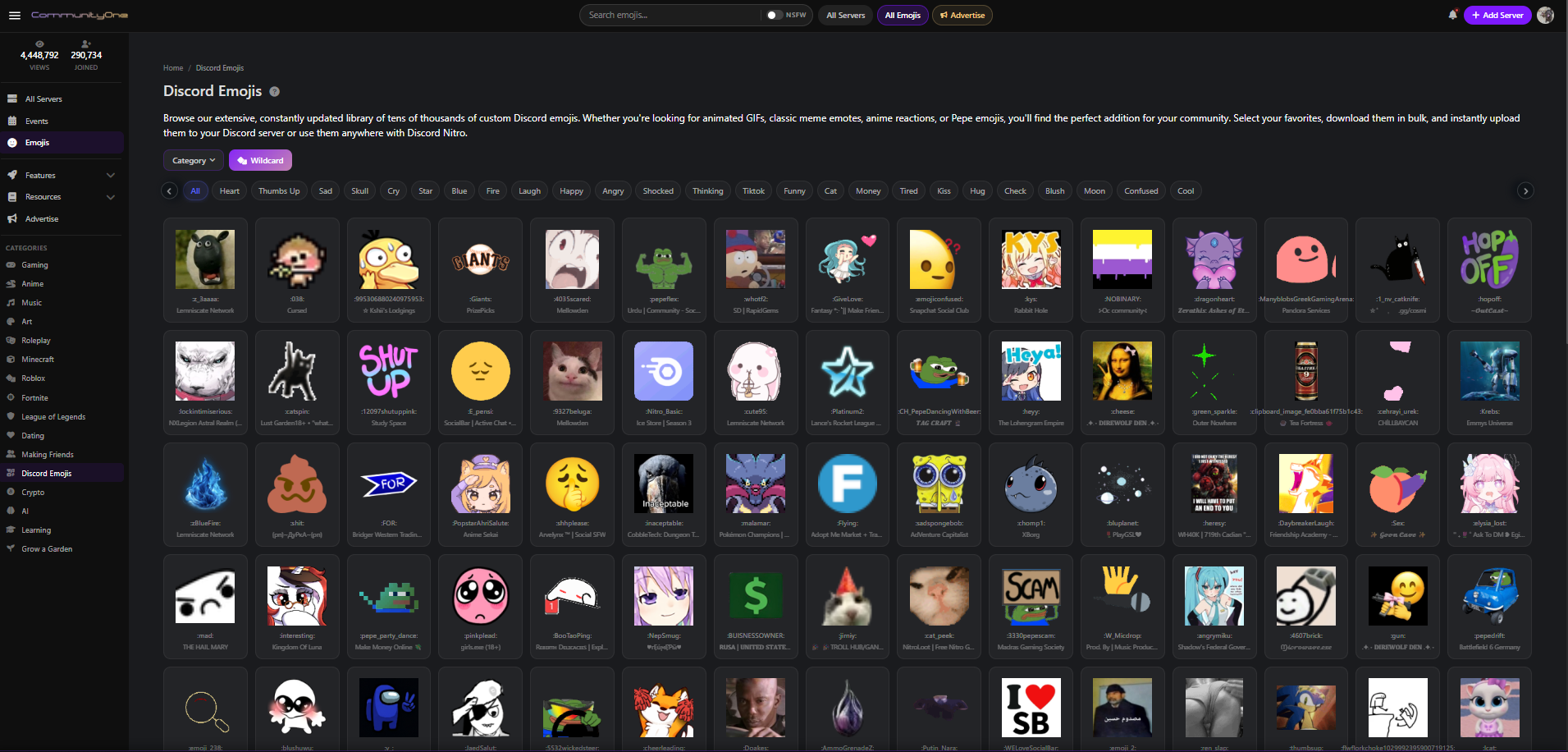
A good emoji set can make your Discord server feel more active, expressive, and easier to engage with. If you want more ideas, you can browse the CommunityOne Discord Emoji Library to find funny meme emojis, reaction emojis, and other custom emojis you can use for your server.
This works well if you are still building your emoji collection or looking for new reactions that match your community’s humor. Start with a few emojis that fit your server culture, then add more based on what members actually use.
A more expressive server is easier to remember.
List your community on CommunityOne and help new members discover active, well-run Discord servers with clear descriptions, relevant tags, and stronger community signals.
Final thoughts
Free meme emojis can make your Discord server more expressive, but they work best when they feel natural to the community. Start with a few useful reactions, watch what members actually use, and build your emoji collection around real server culture.
A good emoji set will not replace strong community management, but it can make conversations feel more alive.