Discord Roles and Permissions: The Complete Guide to Not Breaking Your Server

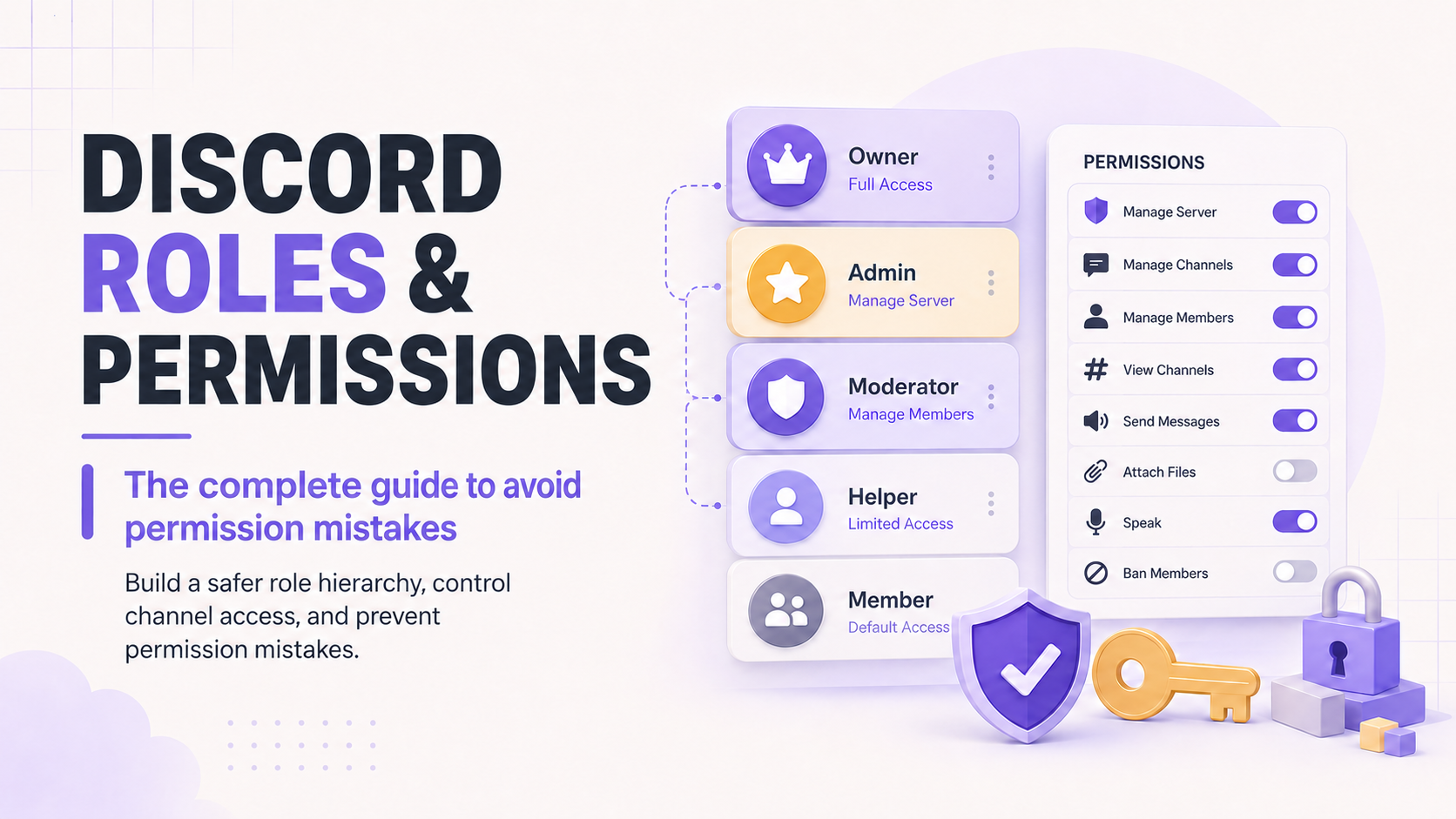
Most Discord servers don't get hacked or raided into chaos. They break themselves, one role edit at a time. Someone gives a helper role Manage Channels to let them pin messages, and three weeks later that helper accidentally deletes the announcements channel.
Someone stacks a new permission on the everyone role to fix one problem and opens up a dozen others.
Roles and permissions are the least glamorous part of running a server and the part most likely to bite you. This guide covers how role hierarchy actually works, how channel overwrites interact with server-wide permissions, and the structure that keeps a growing server from slowly becoming unmanageable.

Roles keep your server organized. Moderation keeps it safe.
CommunityOne's AI moderation bot automatically assigns quarantine roles to flagged accounts and applies custom action rules by threat type, no manual role-juggling required.
How Role Hierarchy Actually Works
Roles in Discord are stacked in an order you set under Server Settings > Roles, and that order controls two things: which role's color and display name show for a member with multiple roles, and whether one member can act on another at all. A moderator role can only manage members and roles positioned below it in the list. It cannot touch anyone with a role at or above its own position, including a bot that got placed too high by accident.
This is why bot role placement matters. A moderation bot needs to sit above the roles it manages, muting, timing out, assigning, but it doesn't need to sit near the top. Placing every bot role at the top of the list to be safe usually backfires: a compromised or misconfigured bot with a high role can do far more damage than one scoped tightly to what it actually needs.
Channel Overwrites vs. Server-Wide Permissions
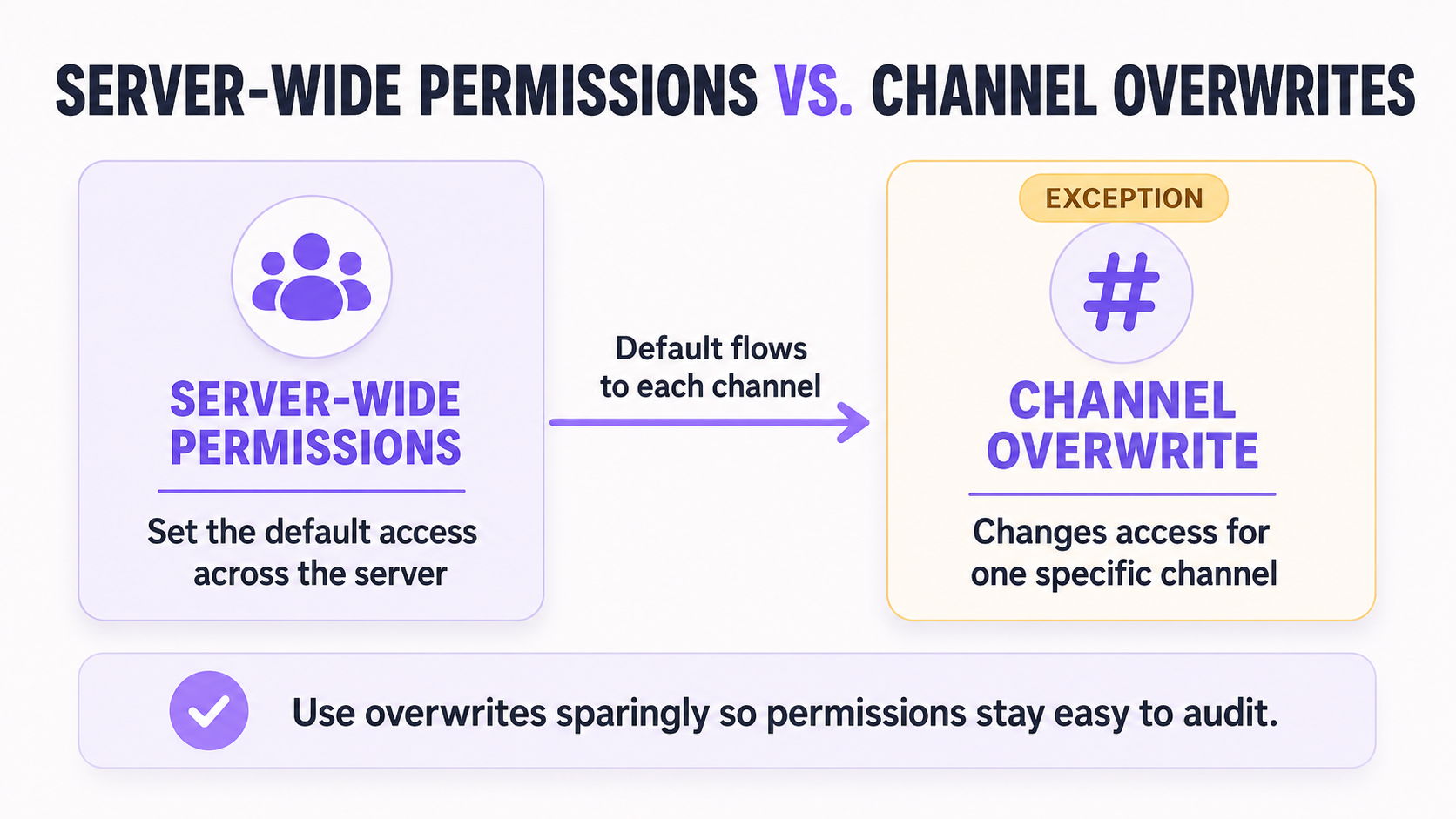
Server-wide permissions set the default for every channel. Channel overwrites then allow or deny specific permissions for a specific role or member in that one channel, and overwrites always win over the server-wide default. This is the part that trips people up: an admin sets a permission at the server level, sees it apply everywhere they check, then can't figure out why one channel behaves differently. The answer is almost always a leftover overwrite from months ago that nobody remembers setting.
A few rules keep this manageable:
- Set broad permissions at the role level and use channel overwrites only for real exceptions, not as your default way of managing access.
- Deny beats allow when overwrites conflict at the same role level, so a single denied overwrite can quietly override an allow you set elsewhere.
- Member-specific overwrites, applied to one person rather than a role, are the hardest to audit later since they don't show up when you're just reviewing role settings. Use them sparingly.
Building a Sensible Role Structure
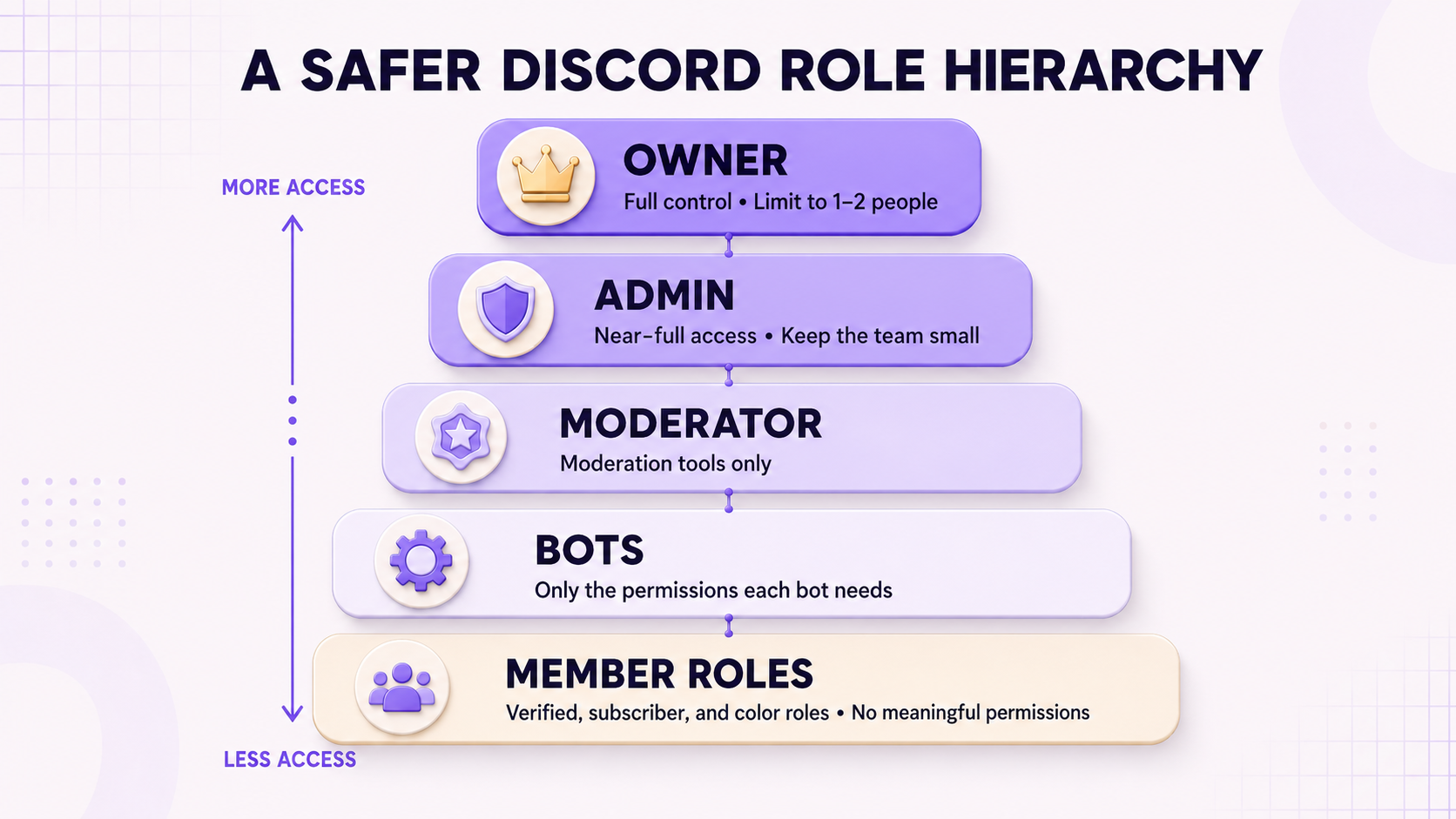
Most servers do fine with a small number of tiers rather than a role for every possible distinction. A workable structure usually looks like: an owner tier that stays limited to one or two people, a small admin tier with near-full access, a moderator tier scoped to moderation actions only, a small number of bot roles placed just above what each bot needs to manage, and member-facing roles (verified, subscriber, color roles) that carry no meaningful permissions at all.
Keeping member-facing roles permission-free matters more than it sounds. Once a cosmetic role like a color badge quietly picks up a permission because it was easiest at the time, you lose track of who can actually do what, and self-assignable roles become a backdoor into your permission system.
Auditing Your Permissions
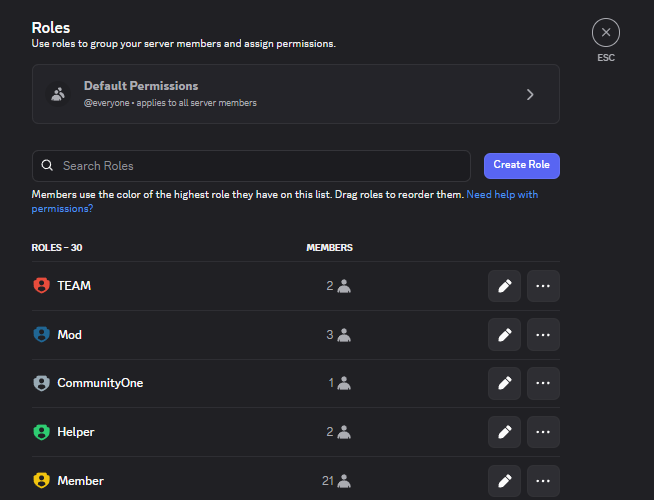
Discord's built-in permission checker (under Server Settings > Roles, select a member) shows the effective permissions for any user across every role they hold, which is the fastest way to catch conflicts before they cause damage. Run through this periodically:
- Check whether anyone outside your owner and admin tier has Administrator. If so, replace it with the specific permissions they actually need.
- Review channel overwrites on your most sensitive channels (announcements, mod-only, logs) and confirm every listed exception still makes sense.
- Check bot role positions against what each bot actually does, not what seemed safest when you first added it.
- Look for member-specific overwrites left over from someone who no longer holds that responsibility.
Final Thoughts
None of this needs to be complicated. A small role structure, a light touch with channel overwrites, and a periodic audit will catch nearly every problem before it becomes an incident. The servers that get into trouble are almost never the ones with a deliberate permission structure. They're the ones that patched a permission fix at 2am eighteen months ago and never looked at it again.