The Ultimate Guide to CommunityOne Server Listing Ads

Whether you run a gaming hub, a Web3 community, or a casual hangout spot, reading this guide will help you optimize your server listing, attract the right members, and get the best return on your investment.
How Our Ads Work
Our ad system is designed to be simple, fair, and highly visible.
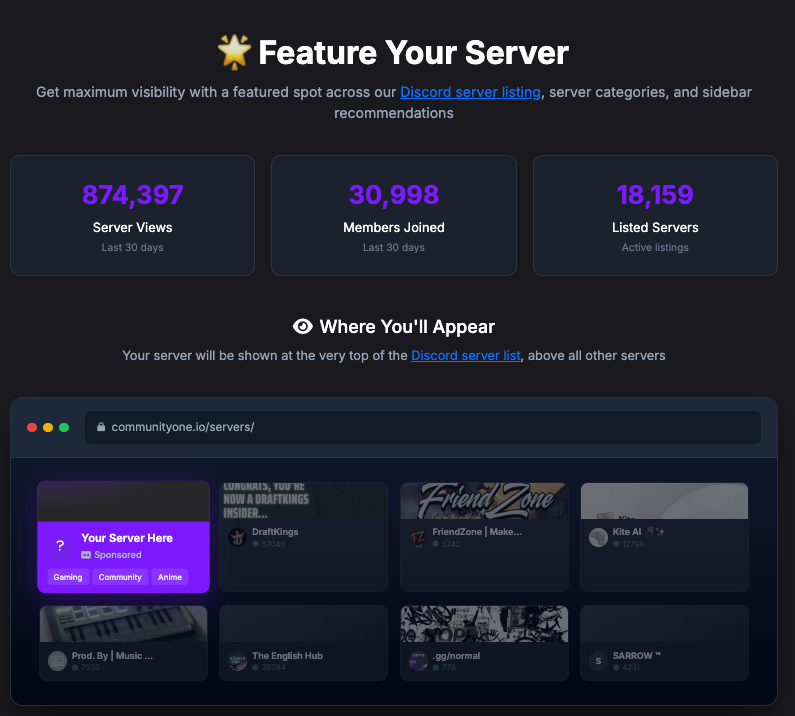
- Pricing & Scheduling: Ads cost $15 per week, and you can purchase up to 4 weeks at a time. If you buy multiple weeks, they will run consecutively without interruption.
- Cooldown Period: You can always come back and buy more ad time, but we require a mandatory 1-week gap between ad runs to keep the listings fresh.
- Availability: When booking, you will see the next available date at the top of the page. We strictly limit ads to 4 available spots at any given time.
- Where Your Ad Appears:
- The first row of the Overall Server page.
- The first row of the Server Categories and Languages pages.
- At least one of your ads will cycle through our sidebar recommendations.
Who Visits CommunityOne?
To convert visitors into members, you need to understand who is browsing our site. Keep these data points in mind:
- Demographics: Over 50% of our traffic comes from the US, and the vast majority are English speakers.
- Discord-Native Audience: Even if you are a B2B marketing company or a retail brand, you need to cater to a consumer-first audience. Visitors tend to be younger, play games, and are incredibly native to the Discord ecosystem.
- The Ultimate Goal: No matter your niche, people browsing server listings are looking for friends and a safe, active social space to hang out. Your server should feel alive and have a distinct sense of style.
Key Performance Indicators (KPIs)
When running ads, Cost Per Click (CPC) and Cost Per Join (CPJ) are your golden metrics. These tell you exactly how much it costs to acquire a new user.
Currently, a healthy server on our platform sees a CPC/CPJ of roughly $0.10 to $0.30, which is incredibly cost-effective. If your acquisition costs are significantly higher than this, it is a strong indicator that something is wrong with your server's listing, branding, or onboarding process.
Tactical Advice: How to Get More Clicks
Most of your clicks will come directly from the main server listing page, and members make decisions fast. Here is how to capture their attention:
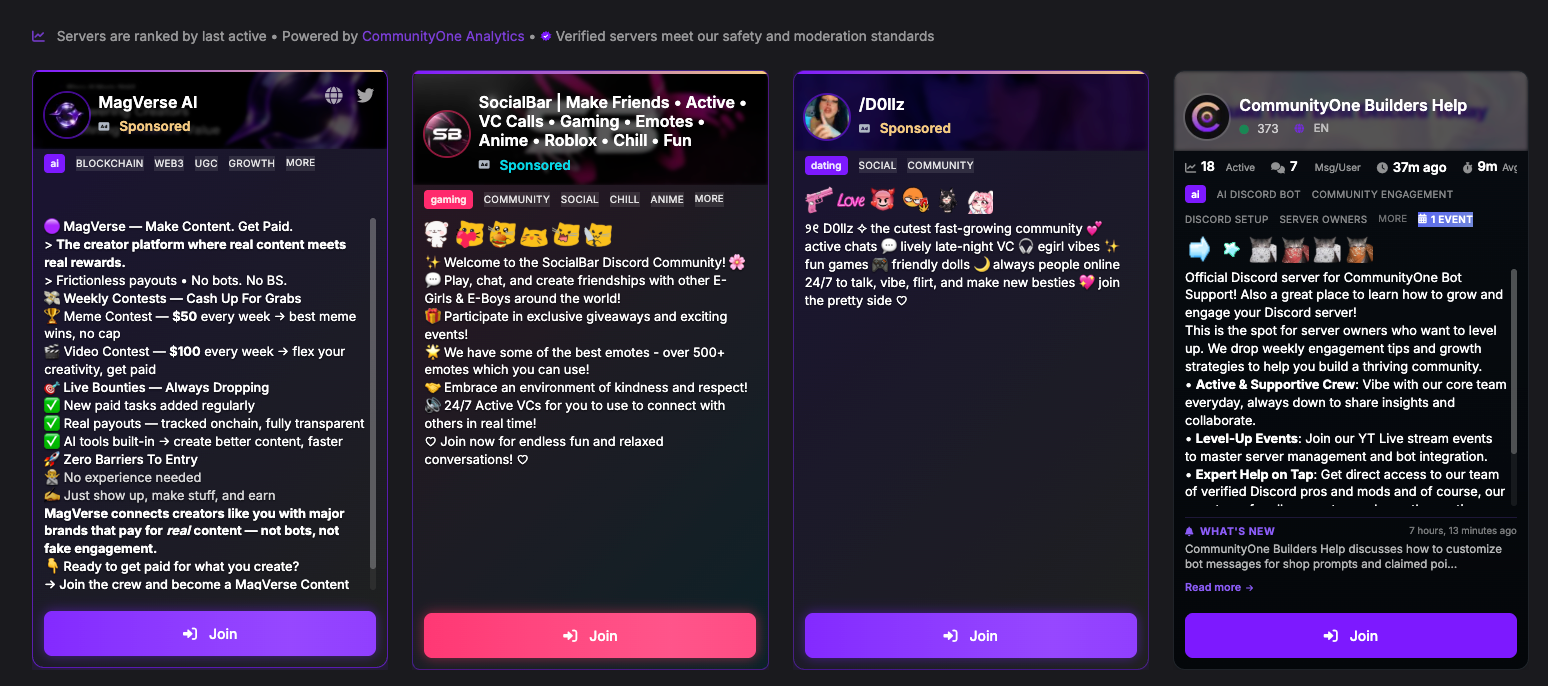
- The 5-Second Rule: Imagine you only have 5 seconds to pitch your community. Make sure your very first sentence is a punchy, value-driven summary of what you do and who it’s for. Don't waste prime real estate on fluff.
- Keep the Language Simple: Use bullet points, short paragraphs, and ample spacing. Avoid overly complex jargon. Make it effortless to read and understand.
- Stand Out Visually: Our default server card color is purple. If you want to pop, customize your server colors and banners so you don't blend in with the rest of the listings!
- Use Emojis Strategically: Put relevant, eye-catching emojis at the front of your server name and description. It sets a cool, welcoming vibe right off the bat.
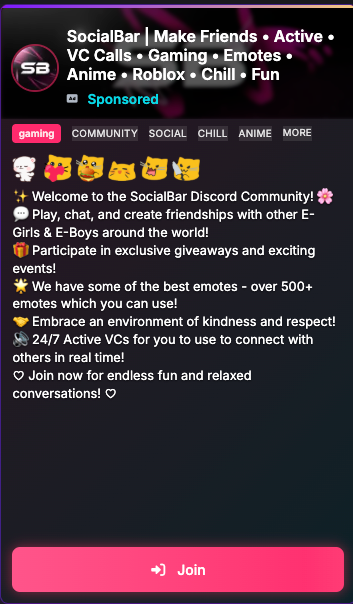
- Enable Announcements/Forums: We provide a preview of your server card to users. By enabling announcements or forum channels, potential members get a sneak peek at your actual content, confirming that your server is exactly what they are looking for.
Safety, Security & Onboarding
More joins don't always mean better members. Often, you want to filter out spammers and ensure you are only letting in people genuinely interested in your community.
- Enable Safety Gating: We highly recommend enabling our safety gating feature, which automatically hides your invite link from potential spammers. You might see slightly fewer raw joins, but your click volume will remain the same, and the quality of your joins will skyrocket.

- Layering Verification: At a minimum, you should have verification enabled. However, remember that friction causes drop-off. Generally speaking: In-server button clicks convert better than in-server captchas, and in-server captchas convert much better than out-of-server web captchas.
- Community Screening: Be mindful of Discord's Community Onboarding questions. The more questions a user has to answer before seeing your channels, the higher the chance they will abandon the process.
- Discord Applications: If establishing a highly secure, tight-knit environment is your top priority, consider using Discord's Application feature. This requires manual approval to join. It introduces the highest amount of friction, but it guarantees you are getting the absolute best members.