Meme Emojis for Community Servers: How to Pick the Right Ones

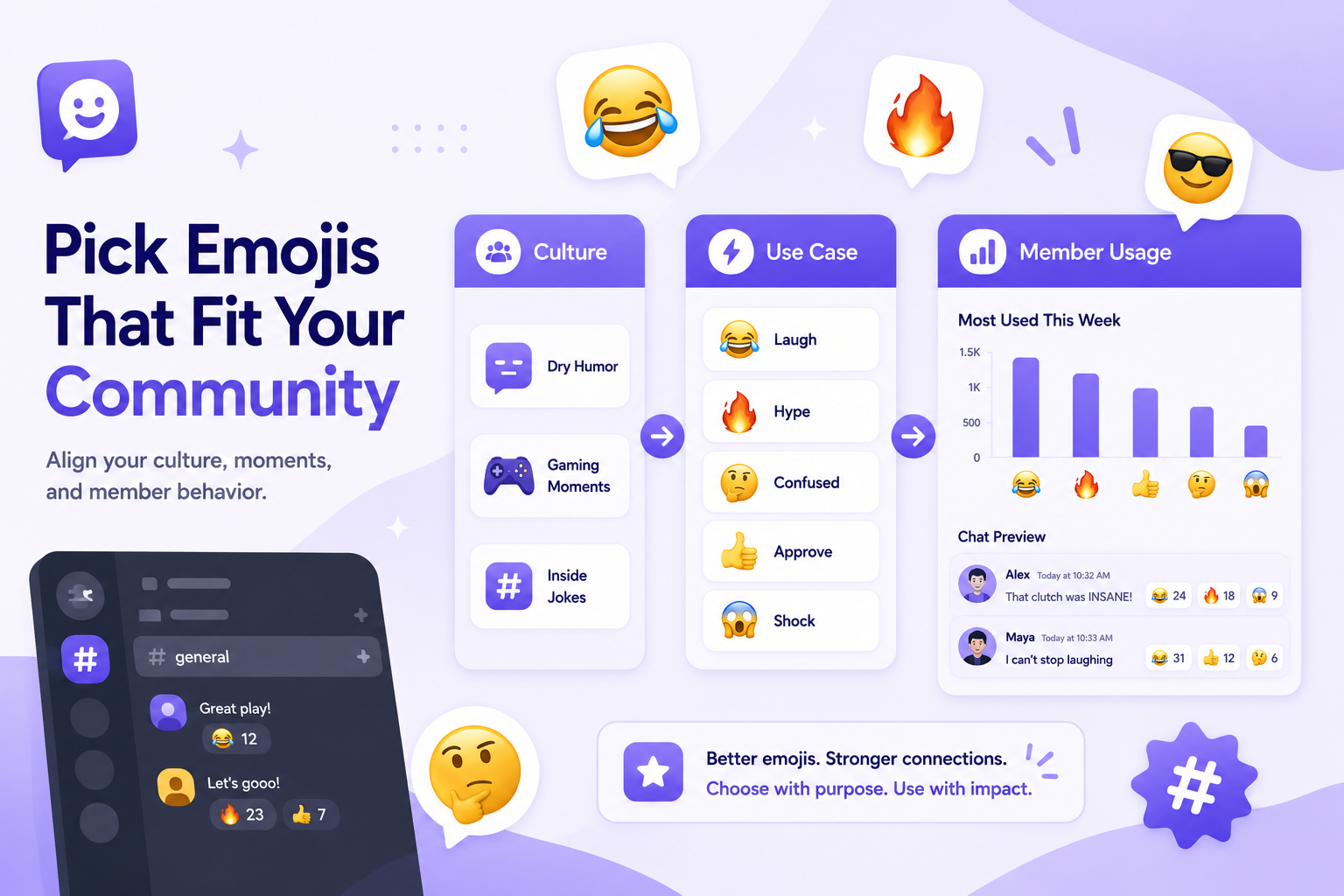
Meme emojis can help a community server feel more personal. They give members a fast way to react, joke, and show emotion without sending a full message.
But not every meme emoji belongs in every server. A good emoji set should match your community’s culture, not just copy whatever is trending.
For inspiration, CommunityOne’s Funny Meme Emojis for Discord guide is a useful starting point.

Find meme emojis that actually fit your server culture.
Browse CommunityOne’s Discord Emoji Library to discover funny meme emojis, reaction emojis, animated emojis, and community-ready packs you can use to make your server more expressive.
Start with your server culture
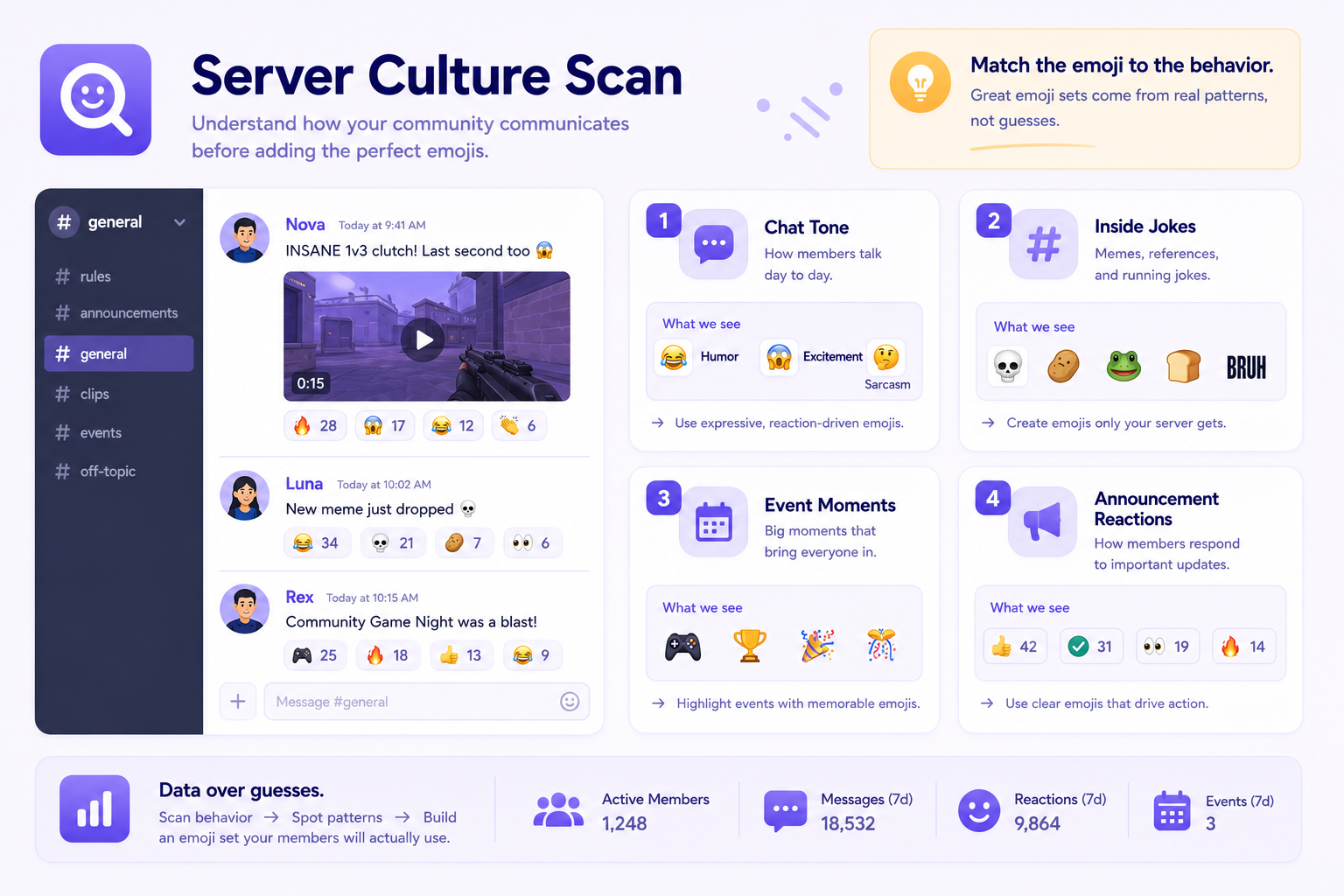
Before adding meme emojis, look at how your members already talk.
Do they use dry humor? Do they post gaming clips? Do they react heavily to announcements? Do they have inside jokes from events or voice chat? The best meme emojis usually come from behavior that already exists in the server.
If your community is casual and funny, expressive meme emojis may work well. If your server is more professional, you may want cleaner reaction emojis instead of chaotic meme faces.
Pick emojis with clear use cases
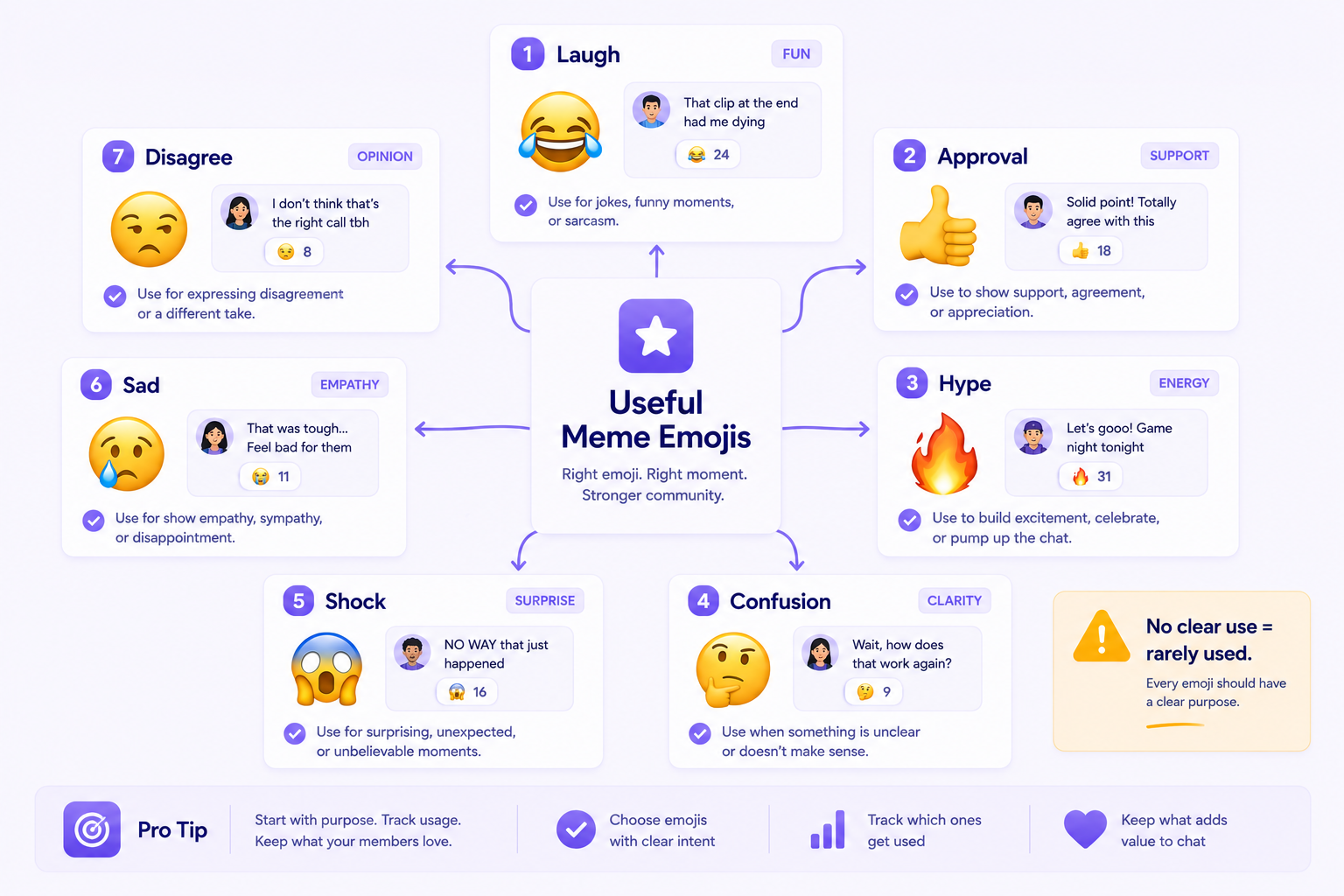
Every emoji should have a reason to exist. If members cannot tell when to use it, it will probably sit unused.
Useful meme emoji categories include laughter, approval, hype, confusion, shock, sadness, and disagreement. You can also add server-specific emojis based on recurring jokes, mascot reactions, content moments, or community events.
If you are making your own emoji set, CommunityOne’s How to Create Custom Discord Emojis for Your Server guide can help with the technical side.
Avoid too many similar emojis
One common mistake is adding five emojis that all mean basically the same thing. This makes the emoji list harder to scan.
Instead, choose one strong emoji per reaction type. You can always expand later if members actually need more variety.
A cleaner emoji list is easier for new members to understand and easier for regular members to use.
Make emojis part of the server experience
Meme emojis should not only live in the emoji menu. Use them in announcements, events, community posts, and reactions.
For example, you can ask members to react with a specific emoji to vote, join an event, show interest, or respond to a community prompt. This helps members learn which emojis matter.
If you are improving your server’s overall identity, CommunityOne’s How to Customize Your Discord Server Like a Pro can help with broader setup ideas.
Explore more meme emojis
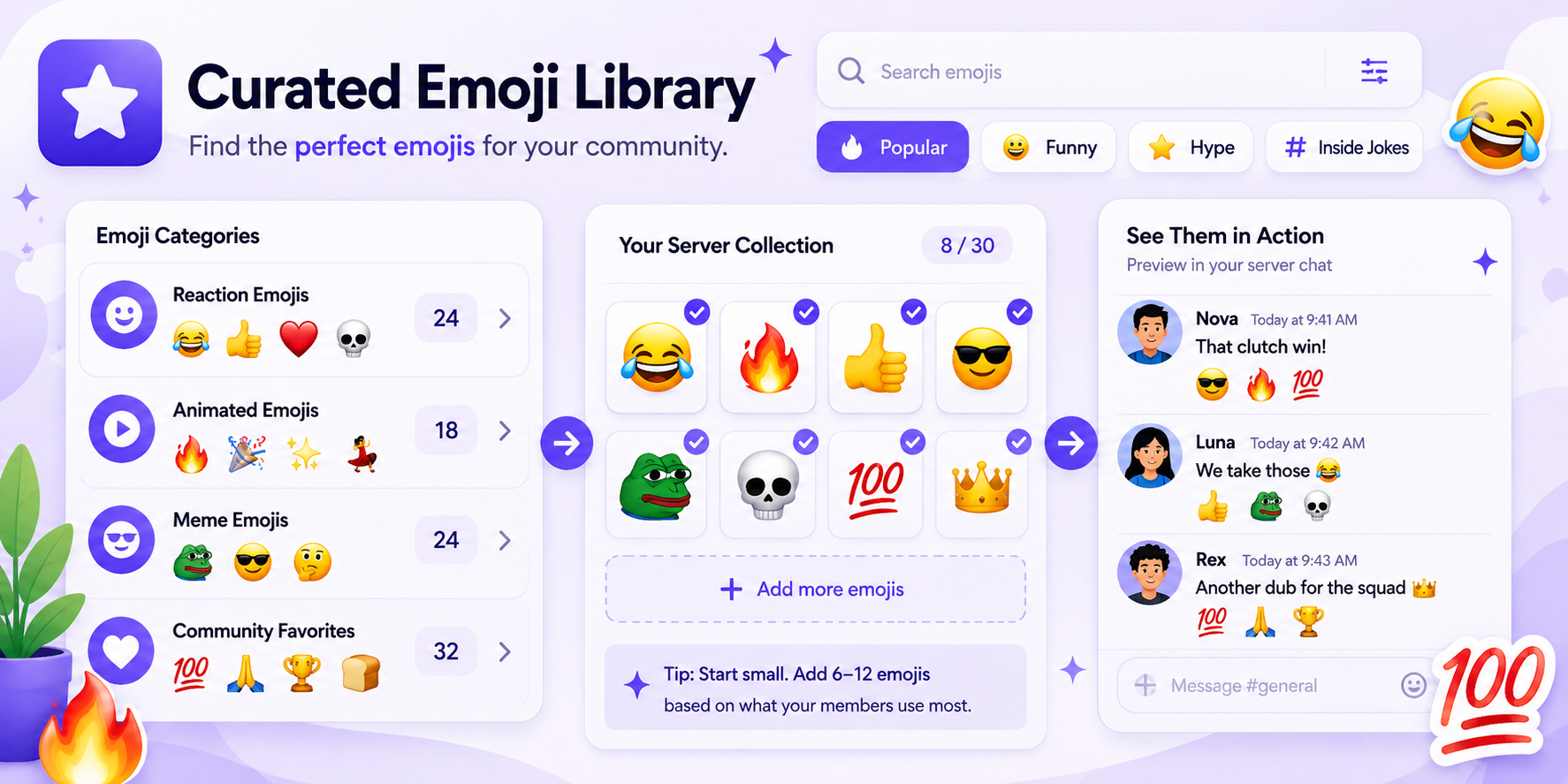
A strong emoji set can make your server feel more active once people join. If you want more ideas, you can browse the
CommunityOne Discord Emoji Library to find meme emojis, reaction emojis, and other custom emojis that fit your community’s style.
This is useful when you are building a new emoji set, refreshing old emojis, or looking for reactions that match how your members already talk. Start with a few that fit your server culture, then keep the ones your community actually uses.
Already have a great collection of emojis?
Share your server’s emojis on CommunityOne so more people can discover them and see which community they came from.
Final thoughts
Meme emojis work best when they reflect the actual people in your server. Choose emojis that fit your humor, keep the list organized, and let your community shape the collection over time.
The right meme emojis can make your server feel less generic and more like a real community.