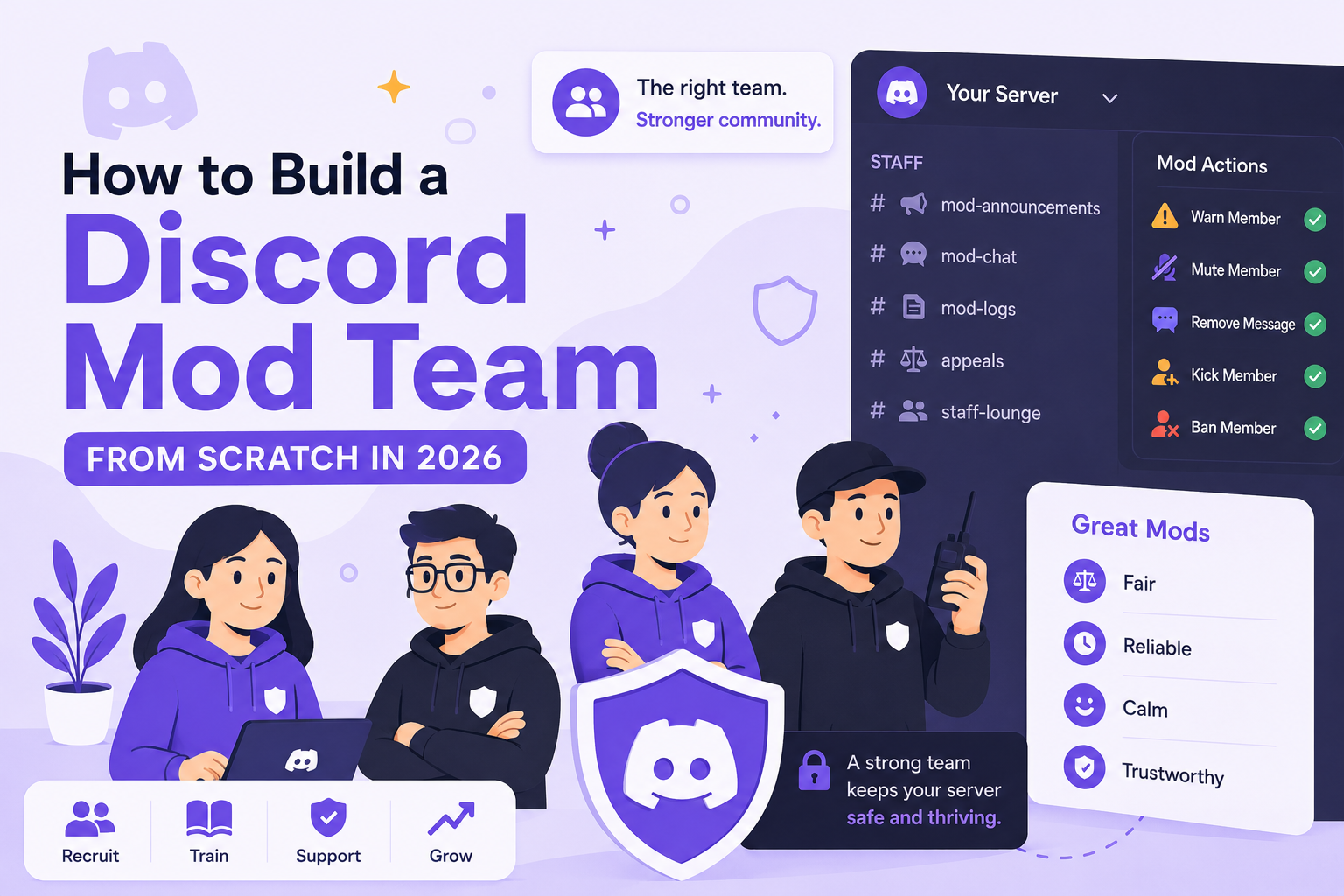
How to Build a Discord Mod Team From Scratch in 2026

Last Updated: July 2026
Every growing Discord server eventually reaches the same point: one person cannot manage everything alone.
At first, it feels manageable. You can answer questions, welcome new members, watch the channels, and step in when conversations get messy. But once the server grows, the pace changes. Members ask the same questions more often. Rule issues are caught late. Arguments start before anyone can respond.
I have seen server owners wait until they are already overwhelmed before building a mod team. That is usually when they rush the decision, promote the most active member, and skip the systems that make moderation consistent.
A strong mod team does more than remove spam. They protect the tone of the server, help members feel safe, and give the owner space to focus on growth.
When Should You Build a Mod Team?
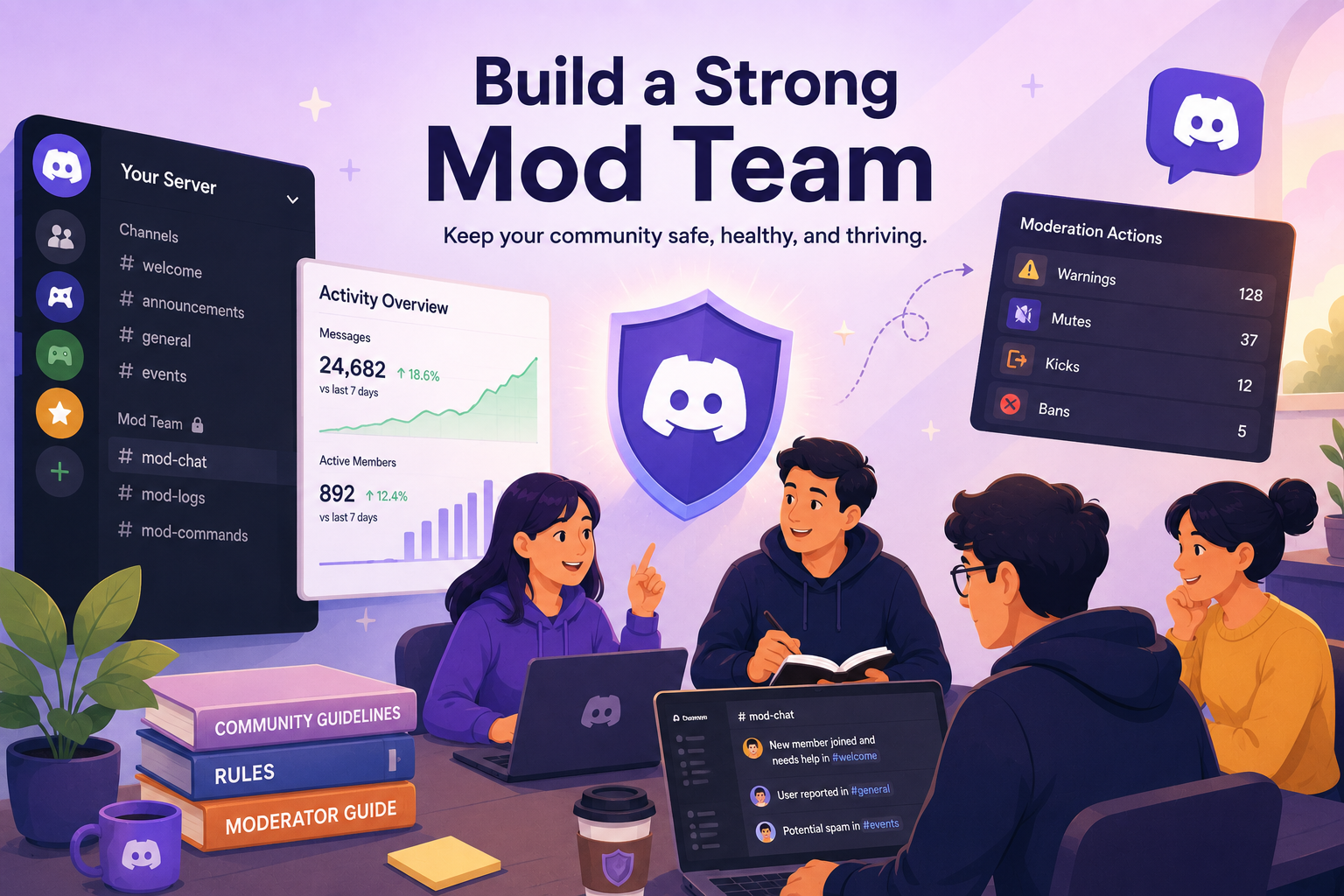
You do not need a large team when your server is still quiet. But you should start planning before you are burned out.
A good time to consider moderators is when your server has around 200 to 300 active members, not just total members. Total member count can be misleading. A server with 3,000 members and 20 active people may need less moderation than a server with 800 members and several busy channels. If you're not sure which side of that line your server sits on, our guide on Discord Member Count: Understanding Join, Leave, and Growth Trends breaks down how to separate total members from the ones actually active.
You may be ready for a mod team when:
- Conversations move faster than you can follow
- Members keep asking repeat questions
- Rule violations are being caught late
- Members tag you for things a trained mod could handle
- Checking Discord starts to feel stressful

Know when your server actually needs more help
CommunityOne Analytics helps you see where activity is happening, which channels need attention, and when your community is starting to outgrow solo moderation. Use real server data before adding more staff.
What Makes a Good Discord Moderator?
The most active member is not always the best moderator.
Activity shows presence, but it does not always show judgment. Some active members enjoy attention too much, get involved in drama, or treat the role like a badge. Some of the best moderators are quieter members who are calm, helpful, and consistent.
Look for people who already act like moderators before they have the role.
A good moderator should be:
Calm and consistent
They help new members, answer questions patiently, and do not make arguments worse.
Fair in gray areas
Spam and scams are easy to handle. The harder cases are passive-aggressive comments, longtime members breaking rules, or conflicts where both sides feel right.
Emotionally steady
Moderators deal with complaints, warnings, and angry members. They should not take every issue personally or use permissions emotionally.
Reliable, not just online
A mod who can help 1 to 2 hours consistently is often better than someone who is online all day for one week and disappears the next.
How to Find the Right Moderators
Start by watching your own server.
Before opening applications, spend 2 to 4 weeks observing who naturally helps the community. Look for members who welcome newcomers, answer repeat questions, avoid drama, and stay calm during disagreements.
For larger servers, especially those with 500+ members, use a short application. Ask questions like:
- Why do you want to moderate?
- What timezone are you in?
- How much time can you realistically help each week?
- How would you handle a rule violation from a longtime member?
- What would you do if another mod made a decision you disagreed with?
The goal is not to find the person who wants the role the most. It is to find the person who understands the responsibility.
Avoid choosing moderators only from activity rankings. Leveling bots can show who talks the most, but they cannot show who should be trusted with moderation tools.
Use CommunityOne Spark to Reduce Repetitive Work
A mod team should not have to answer the same five questions every day.
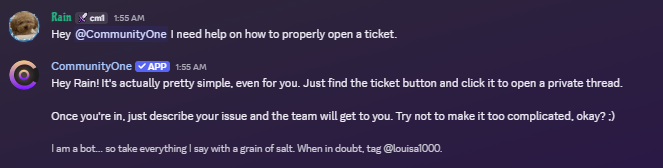
Before or while building your team, add useful server information into CommunityOne Spark so members can get answers faster.
Useful Spark inputs include:
- Server rules
- FAQs
- Channel guide
- Role guide
- Event schedule
- Ticket instructions
- Appeal process
- New member onboarding steps
- Public support instructions
If members keep asking where to verify, how to get roles, where to ask for help, or what a rule means, Spark can answer using your approved server information.
This does not replace moderators. It gives them more time to focus on conflict, judgment, and community tone.
Let your bot answer the questions mods hear every day
Add your rules, FAQs, onboarding guide, role instructions, and support process to CommunityOne Spark. Members can ask questions naturally, and Spark can answer using your approved server information.
How to Onboard New Moderators
Do not give someone permissions and expect them to figure it out.
Before a new mod acts independently, give them a simple internal guide that covers:
- Common rule violations
- What deserves a warning, mute, kick, or ban
- What needs senior review
- What should be logged
- How to talk to members during conflict
- How appeals work
Our breakdown of what actually gets people banned on Discord is a useful reference when writing this guide. Start new moderators with a trial period of 30 to 60 days. Give them limited permissions first, such as warnings and mutes, before giving kick or ban access.
Let them observe staff discussions and moderation decisions before handling difficult situations alone. This helps prevent inconsistent enforcement and overstepping.
Simple Discord Mod Team Structure
A small structure is usually enough.
Trial Moderator
New staff member with limited permissions while learning the system.
Moderator
Handles daily enforcement, member questions, and basic conflict management.
Senior Moderator or Head Mod
Handles appeals, difficult cases, and internal staff issues.
Admin
Server owner or trusted lead with final decision-making authority.
For many servers under 5,000 members, 3 to 5 active moderators can be enough. More mods are not always better. Too many staff members can create confusion, cliques, and inconsistent decisions.
How to Prevent Mod Burnout
Mod burnout is one of the biggest reasons staff teams fall apart.
Moderators often deal with complaints, spam, arguments, appeals, and members who are upset about enforcement. If they only hear from the owner when something goes wrong, they will eventually disengage.
Set realistic expectations early. Do not ask people to be available all day. Instead, ask them to check mod channels regularly, help when they are available, escalate serious issues, and communicate when they need time away.
Also, rotate difficult tasks. Do not let one person handle every ban appeal, toxic argument, or messy support issue.
A mod taking a break is better than a burned-out mod making poor decisions or disappearing without warning.
Common Mod Team Problems
Even good teams run into problems. Handle them early.
If a mod abuses power, review the logs, speak privately, and remove permissions if needed. Members need to know that rules apply to staff too.
If mods disagree on enforcement, document the decision for next time. Clear guidelines reduce inconsistent moderation.
If a mod goes inactive, set a simple policy. For example, no staff activity for 14 days without notice triggers a check-in. If there is still no response, remove permissions respectfully.
If the staff team becomes too cliquey, bring decisions back to rules, logs, and what is healthy for the server.
Final Thoughts
A good mod team is not always obvious to members. What they notice is that the server feels fair, safe, and easier to join.
That kind of community comes from choosing the right people, giving them clear guidance, supporting them properly, and using tools that reduce unnecessary manual work.
Build the team before you are desperate for one. Train them before they need to make hard decisions. Support them before they burn out.
That is how a Discord server becomes easier to manage as it grows.
Give your mod team better protection from scams and spam
CommunityOne’s Discord Moderation Bot helps detect scams, spam, raids, NSFW content, and harmful messages using AI that understands text and image context. Set custom actions, track strikes, and give your moderators clearer history before they act.