Discord Stage Channels: How to Host AMAs and Town Halls People Actually Show Up To

Most Discord events die the same way. Someone creates an event, posts it in announcements, and when the time comes, three people show up and awkwardly wait for someone else to talk first. Stage Channels exist to fix that specific problem.
A Stage Channel is Discord's built-in format for one-to-many audio: a small group of speakers on stage, everyone else listening from the audience, hands raised if they want in. It is the closest thing Discord has to a live podcast or a conference panel, and it is the right tool anytime you want structure instead of the free-for-all of a normal voice channel.
This guide covers when to use a Stage Channel over a regular voice channel, how to set one up, how to run an AMA or town hall without it falling apart, and the mistakes that quietly kill attendance.

Your event turnout tells you who showed up. CommunityOne tells you if they stuck around.
Track attendance, engagement, and follow-up activity so you know which event formats are actually worth repeating.
Stage Channel vs. Regular Voice Channel
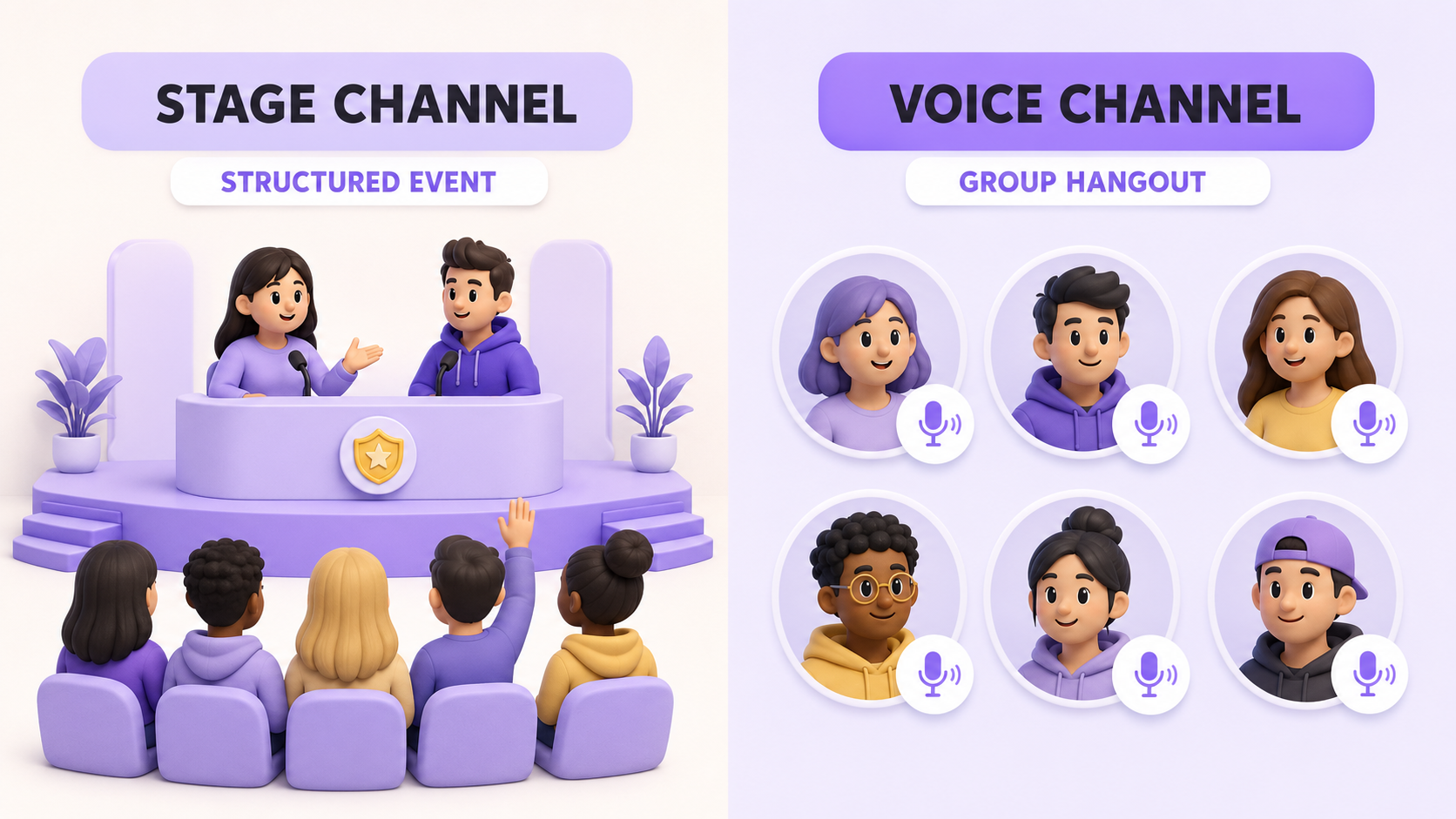
A regular voice channel is a group hangout. Anyone can unmute and talk over anyone else, which is fine for a dozen friends and chaos for three hundred members.
A Stage Channel enforces roles:
- Speakers are on stage and can talk.
- The audience listens by default and can raise a hand to request to speak.
- Stage moderators control who's on stage, mute disruptive speakers, and can end the session.
That structure is exactly what you want for an AMA, a founder update, a community town hall, or any event where one person (or a panel) needs to talk without twenty people talking over them.
Setting Up a Stage Channel
Takes under two minutes.
- In your server, click the + next to a channel category and choose Stage Channel.
- Name it something that signals purpose: ama-room, town-hall, live-stage. Vague names like stage-1 get ignored.
- Set permissions if you want to restrict who can create or start events in that channel (usually just mods and the community team).
- Assign Stage Moderators from your mod team before the event, not scrambling for them five minutes in.
The channel sits idle until someone actually starts an event in it. An empty Stage Channel in your sidebar does nothing for engagement, so don't create one and forget it.
Running the AMA or Town Hall
Before you start: click "Start Stage" and fill in a real Topic field. This is what shows up under your server banner and in Discord's Stage Discovery, and it is often the only thing that convinces a passerby to click in. "Q&A" gets ignored. "Ask the Founders Anything: Roadmap & Q3 Plans" gets clicks.
Roles during the event:
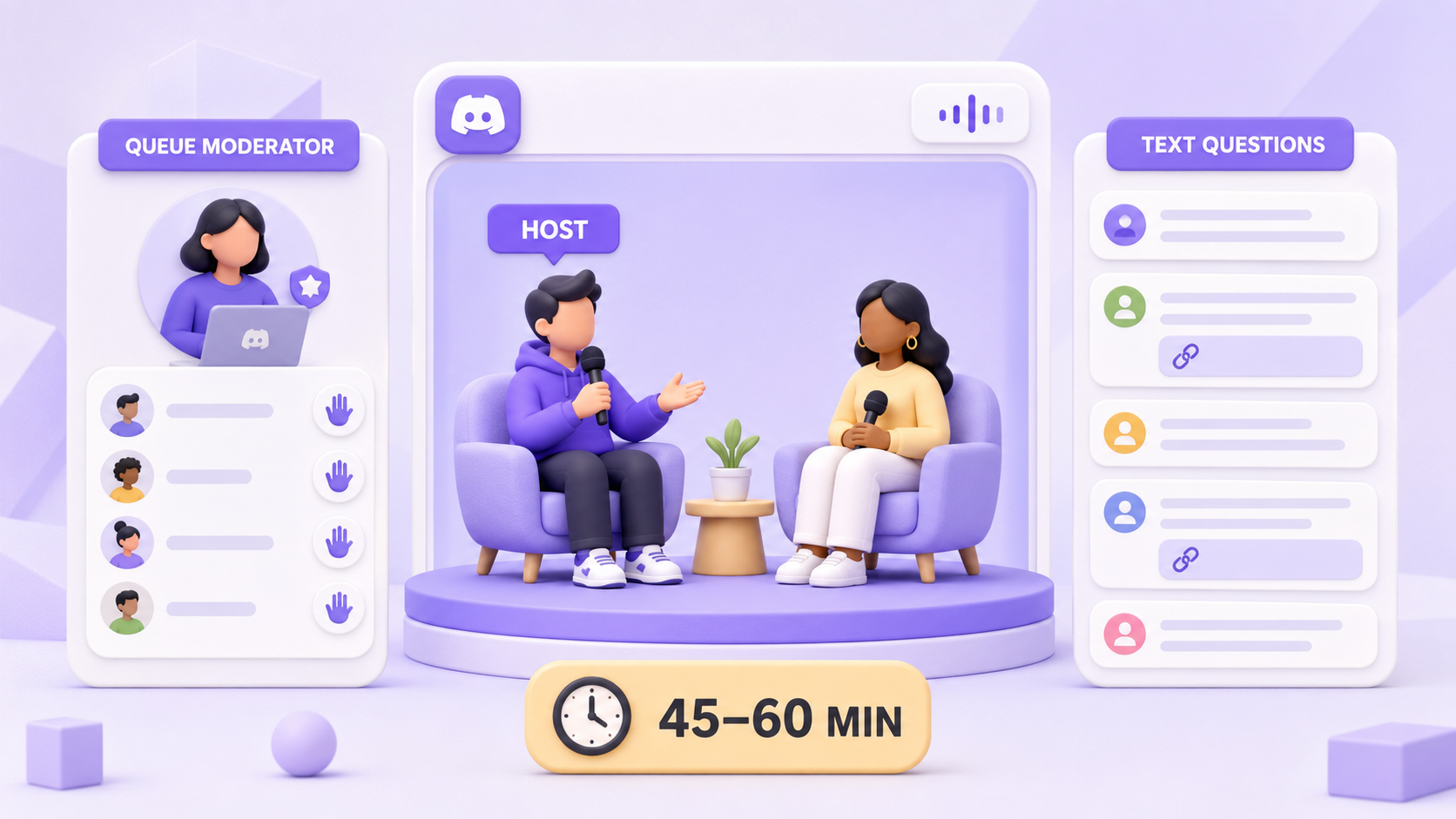
- Add your host and any panelists as speakers before you open the doors, not after people are already listening.
- For anything larger than a small internal chat, run at least two moderators: one hosting or speaking, one managing the raised-hands queue, chat, and anyone who needs to be muted or removed.
- Audience members raise their hand via the icon; you approve them individually to bring them on stage. Right-click any audience member to invite them to speak directly if you want to skip the queue for a specific guest.
During the event:
- Open with a topic recap in the first 30 seconds. People trickle in throughout, and a recap costs you nothing.
- Keep a text channel open alongside the stage for questions, links, and anyone who can't or won't use voice. Not everyone wants to unmute in front of 500 people, and you'll lose good questions if voice is the only input.
- Watch the clock. AMAs that run past 45-60 minutes lose the back half of the audience regardless of how good the content is.
After it ends:
- Stage recordings aren't native, so if you want to reuse the content, have someone recording locally or via a discord bot for the job.
- Post a summary or key quotes in your announcements channel within the hour. Most of your community wasn't there live, and a recap is often the highest-engagement piece of content you'll post that week.
What This Looks Like in Practice
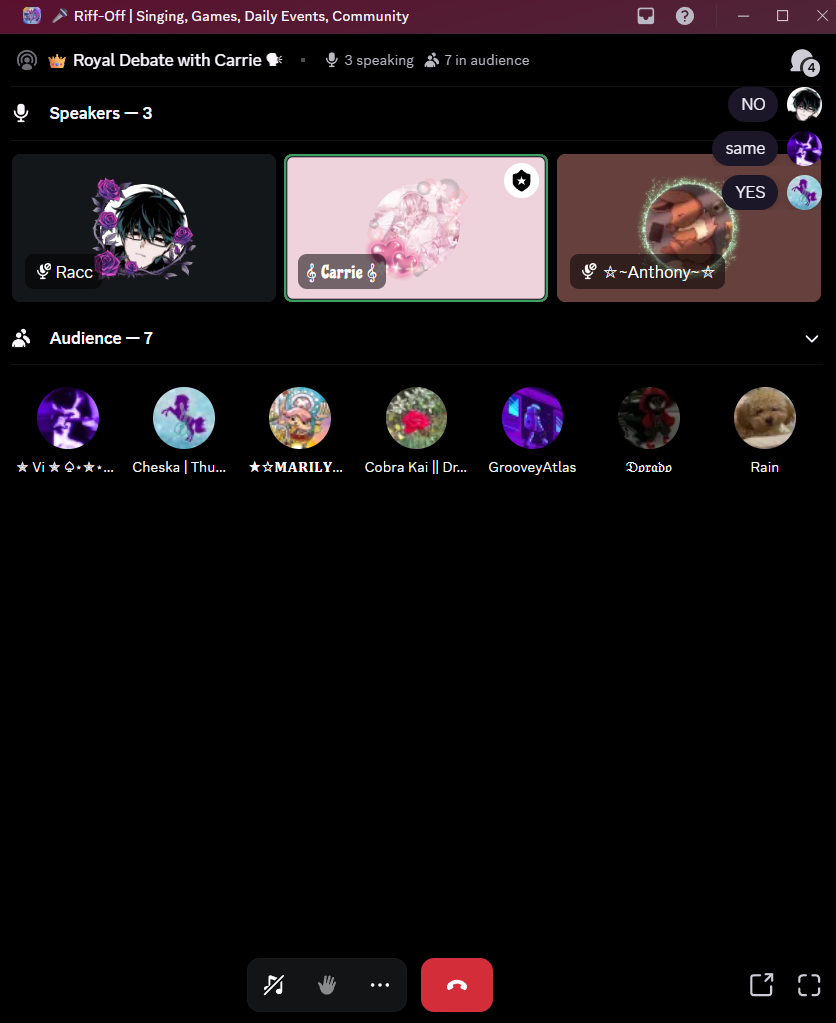
Riff-Off, a Discord community built around singing, games, and daily events, runs this exact structure well. Its "Royal Debate with Carrie" stage keeps things tight: three speakers hold the floor while the audience listens in, and anyone who wants to weigh in can send a message in the Stage Chat section.
Common Mistakes That Kill Attendance
- No moderator dedicated to the queue. The host is trying to answer questions and manage hand-raises at the same time, and both suffer.
- Starting without a topic. No topic means no Discovery visibility and no reason for a member to interrupt what they're doing to join.
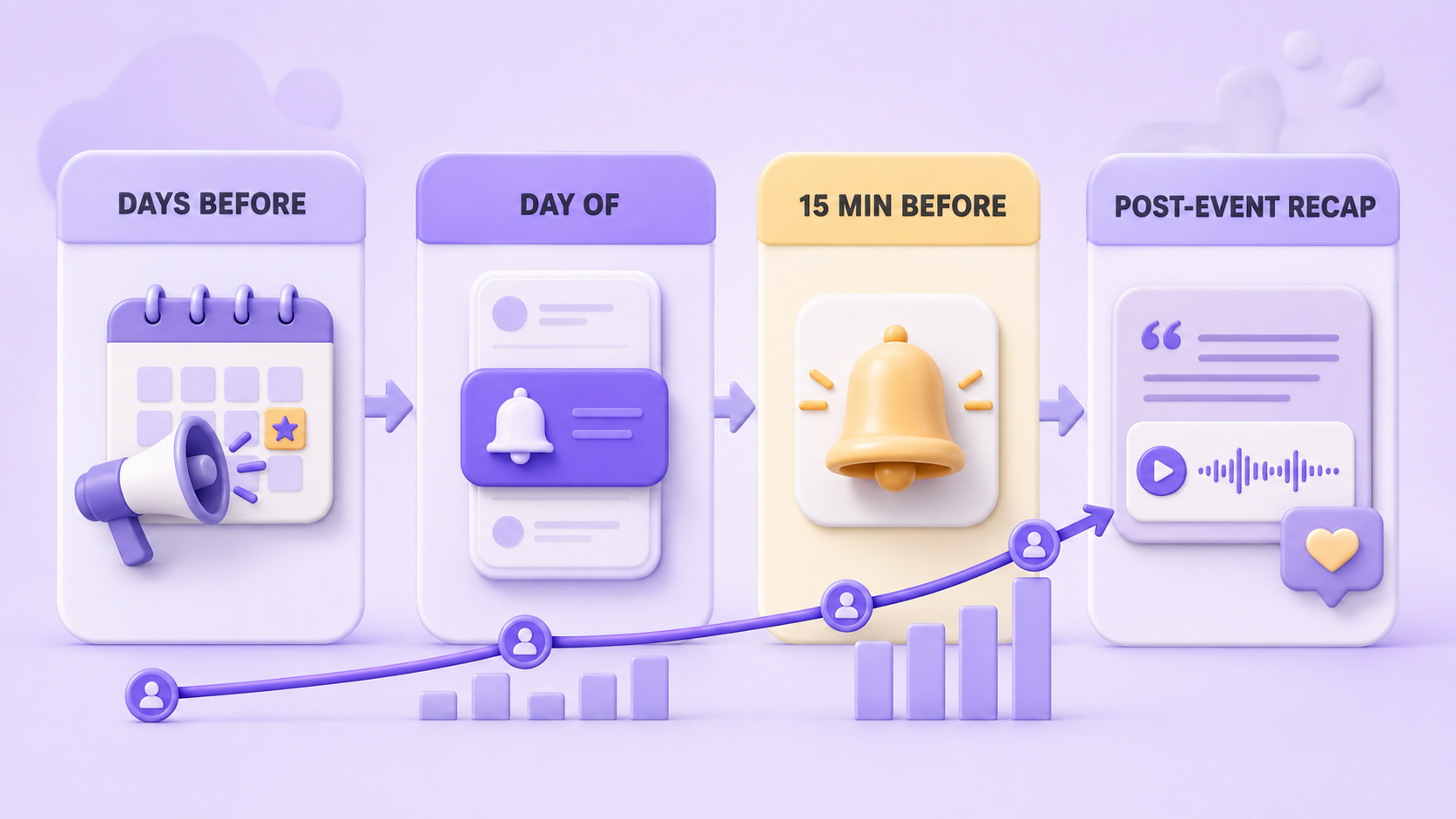
- Announcing once. One post in one channel, thirty minutes before start, is not a marketing plan. Announce a few days out, again the day of, and again 15 minutes before doors open.
- No text-channel backup. Voice-only excludes a big chunk of your community and loses the written record entirely.
- Running it in a channel nobody can find. If the Stage Channel is buried under ten other categories, fix the sidebar before you fix the content.
Where This Fits Into Your Broader Event Strategy
Stage Channels are best for anything with a clear speaker/audience split: leadership AMAs, partner interviews, project updates, community town halls, panel discussions. If what you actually want is everyone talking at once, a game night, a watch party, casual hangout, a regular voice channel is still the better tool. Using a Stage Channel for the wrong kind of event is as common a mistake as not using one at all. If you're still early in growing a Discord server, save Stage events for once you have enough regulars to guarantee a live audience. And if you want structured discussion without the live component, Discord Forum Channels handle that asynchronously.
If you're already tracking which events actually move the needle on engagement, pairing your Stage Channel schedule with server analytics makes it obvious pretty fast which formats are worth repeating and which ones to retire.